Vanilla Resources Made Available for Minecraft with RTX
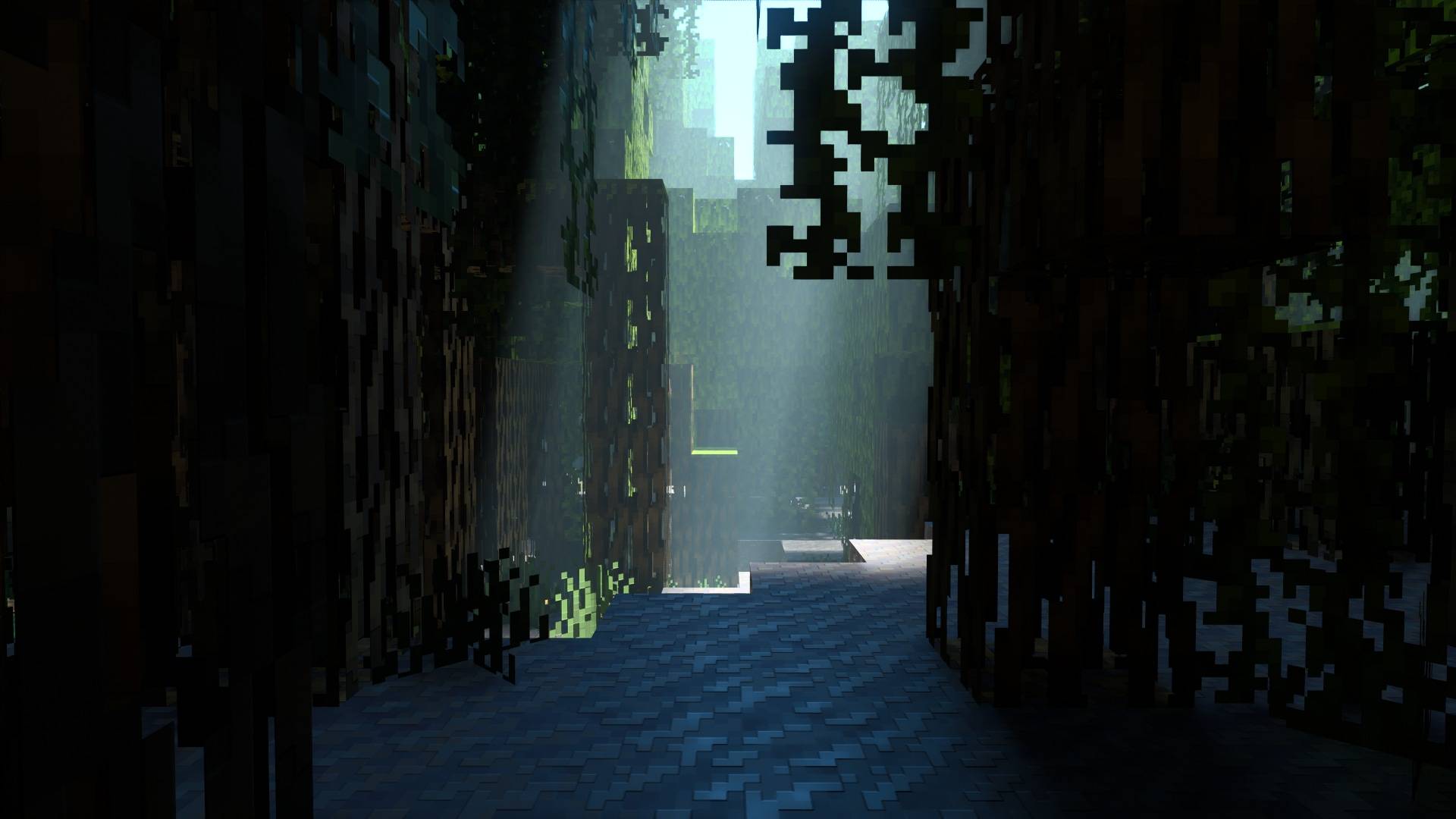
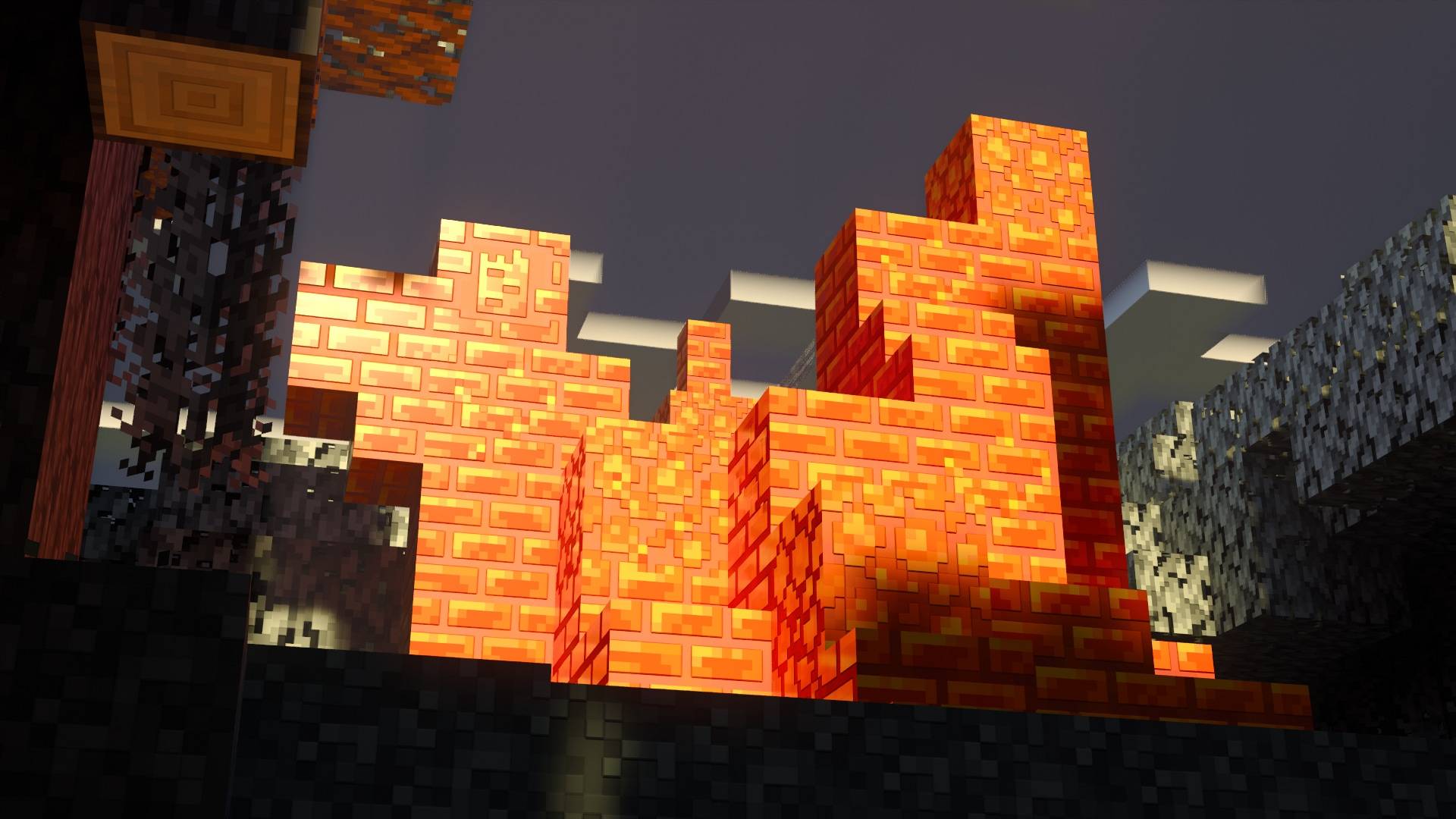
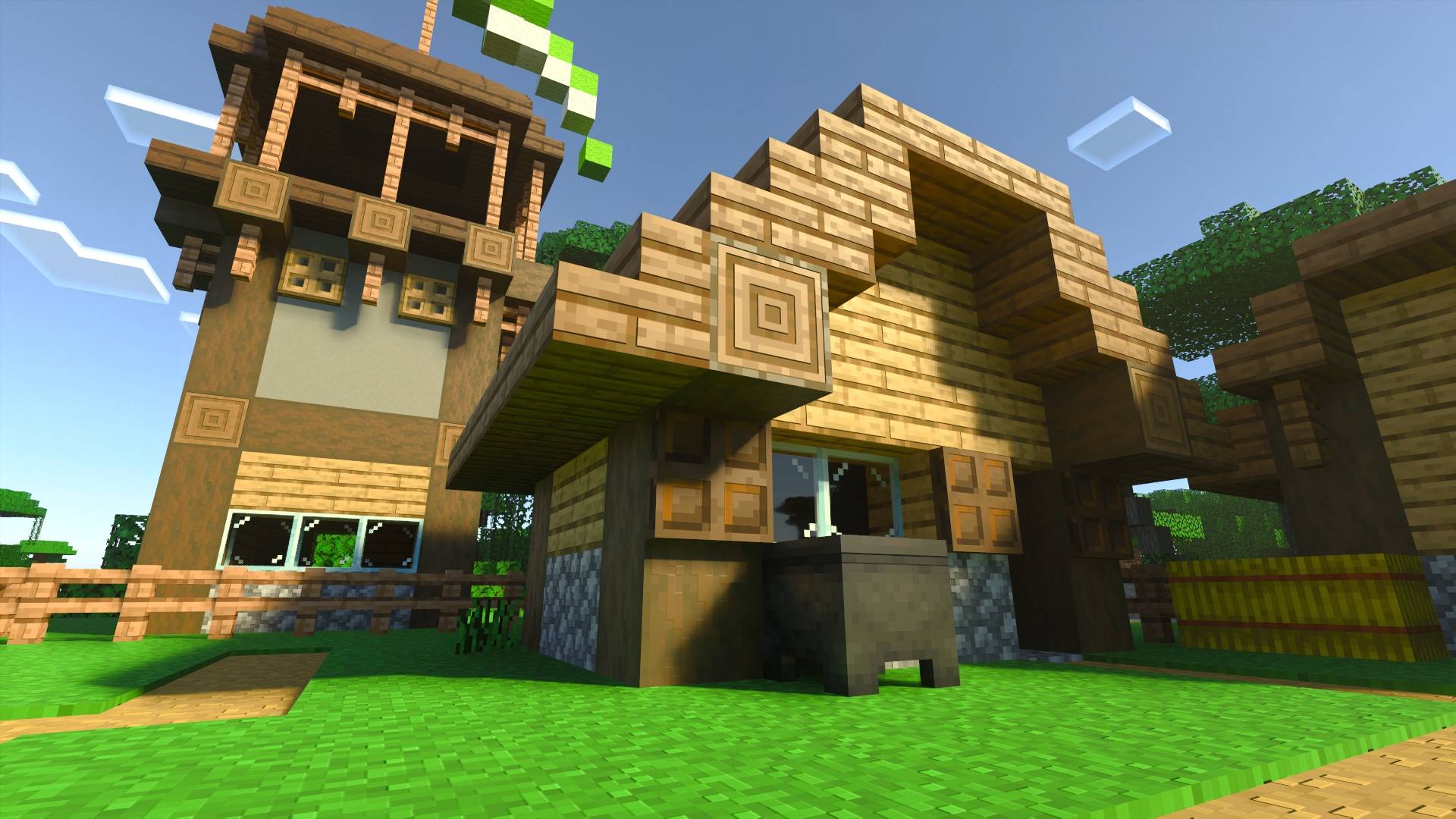
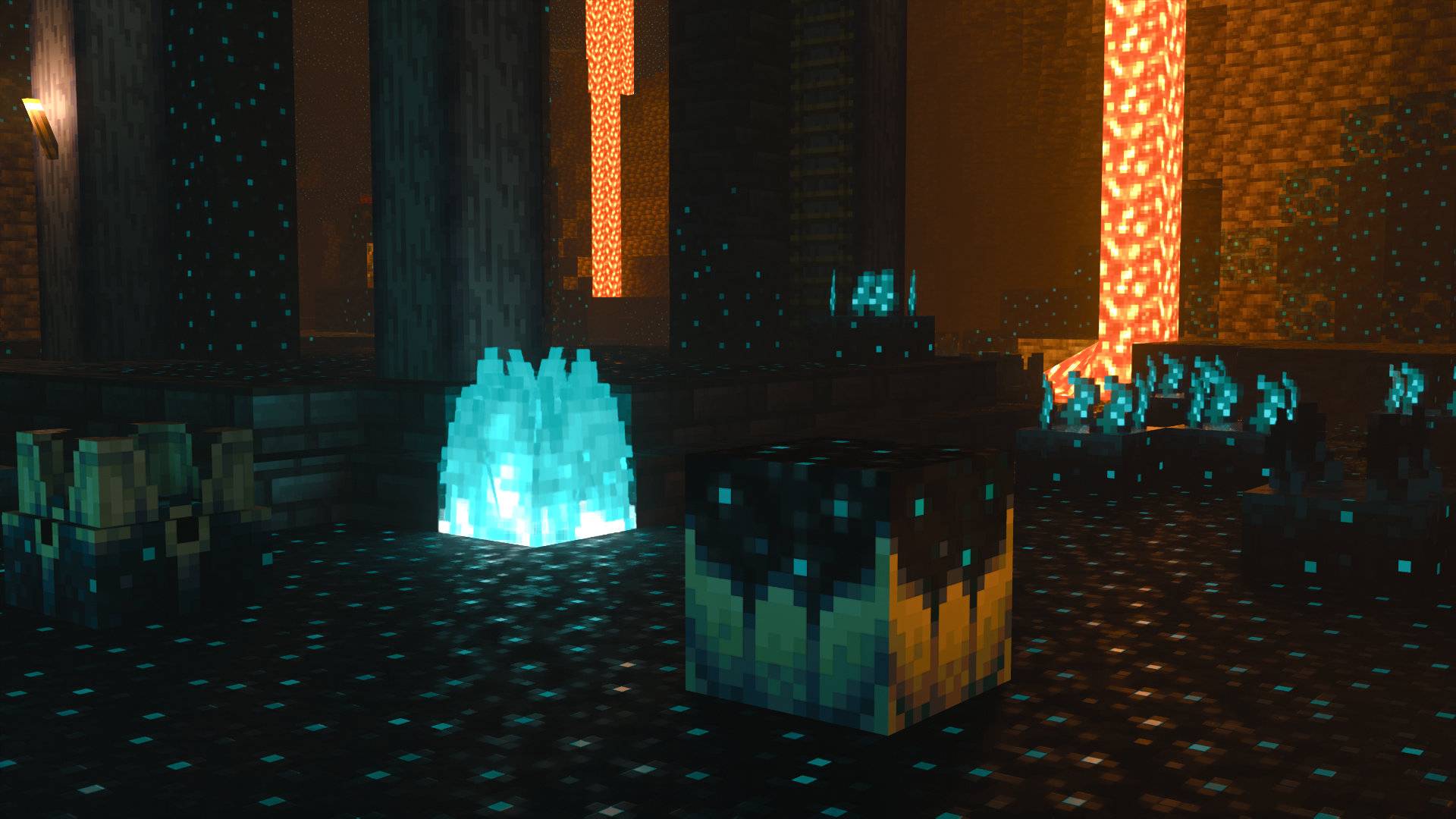
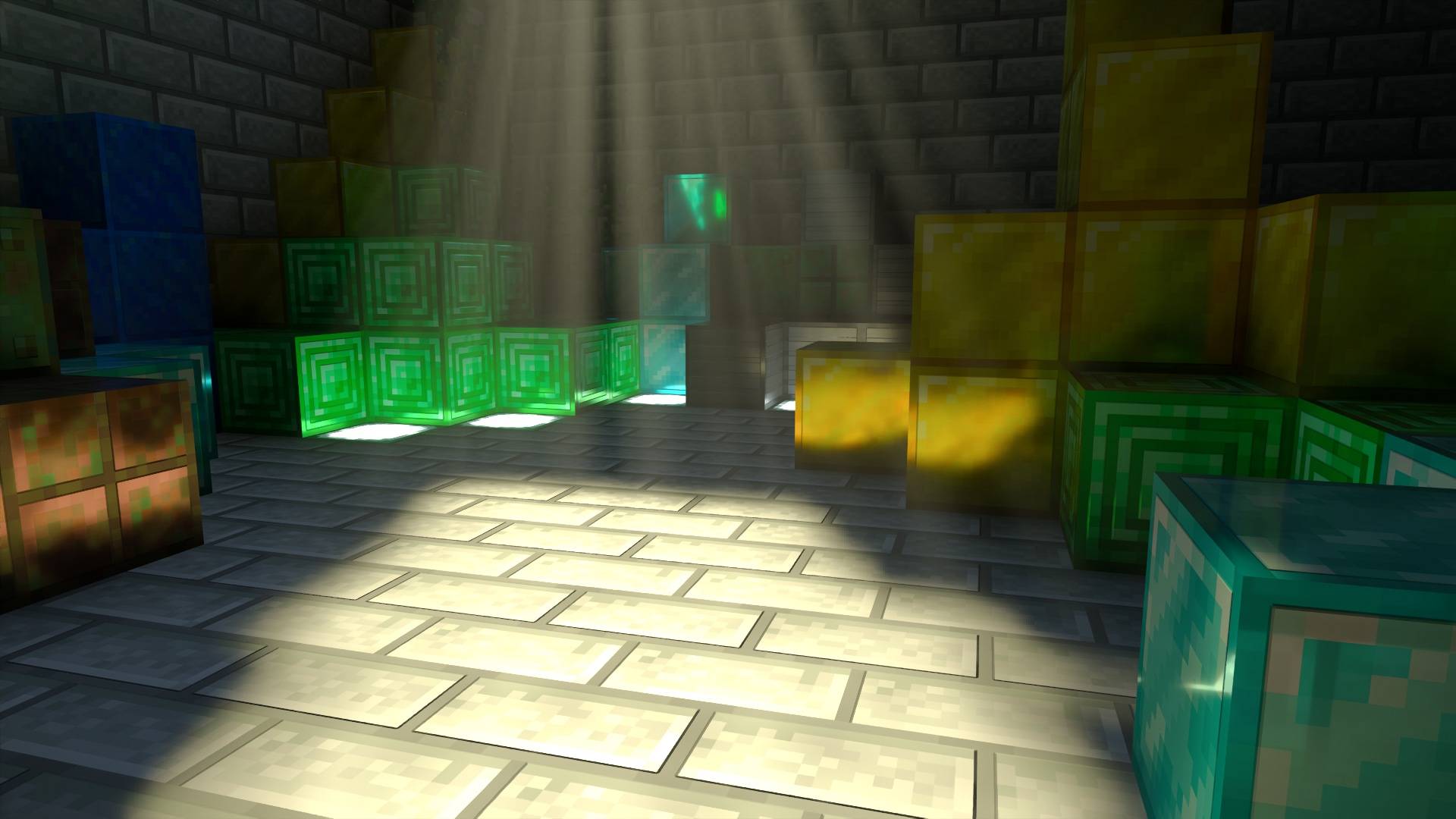
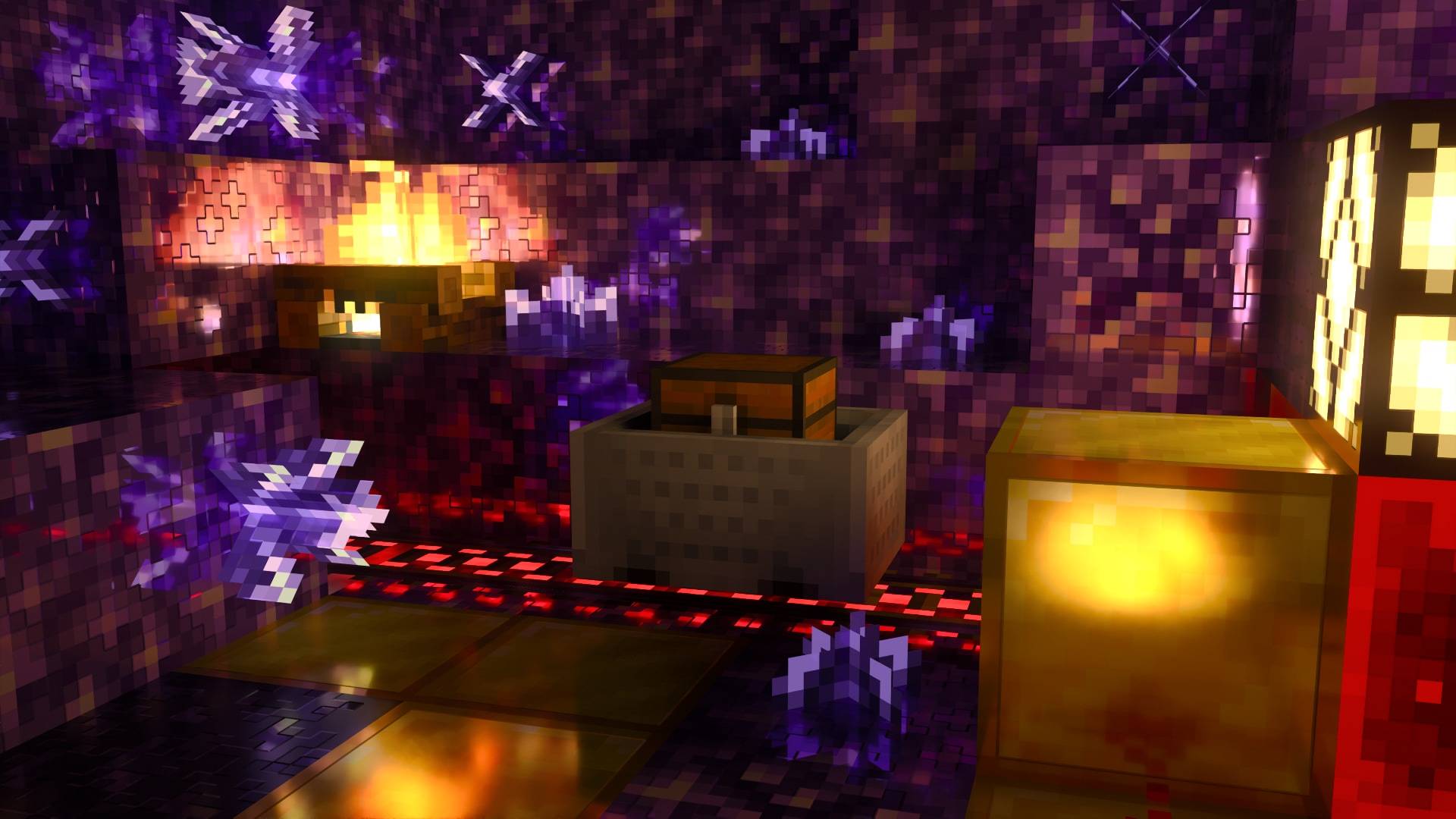
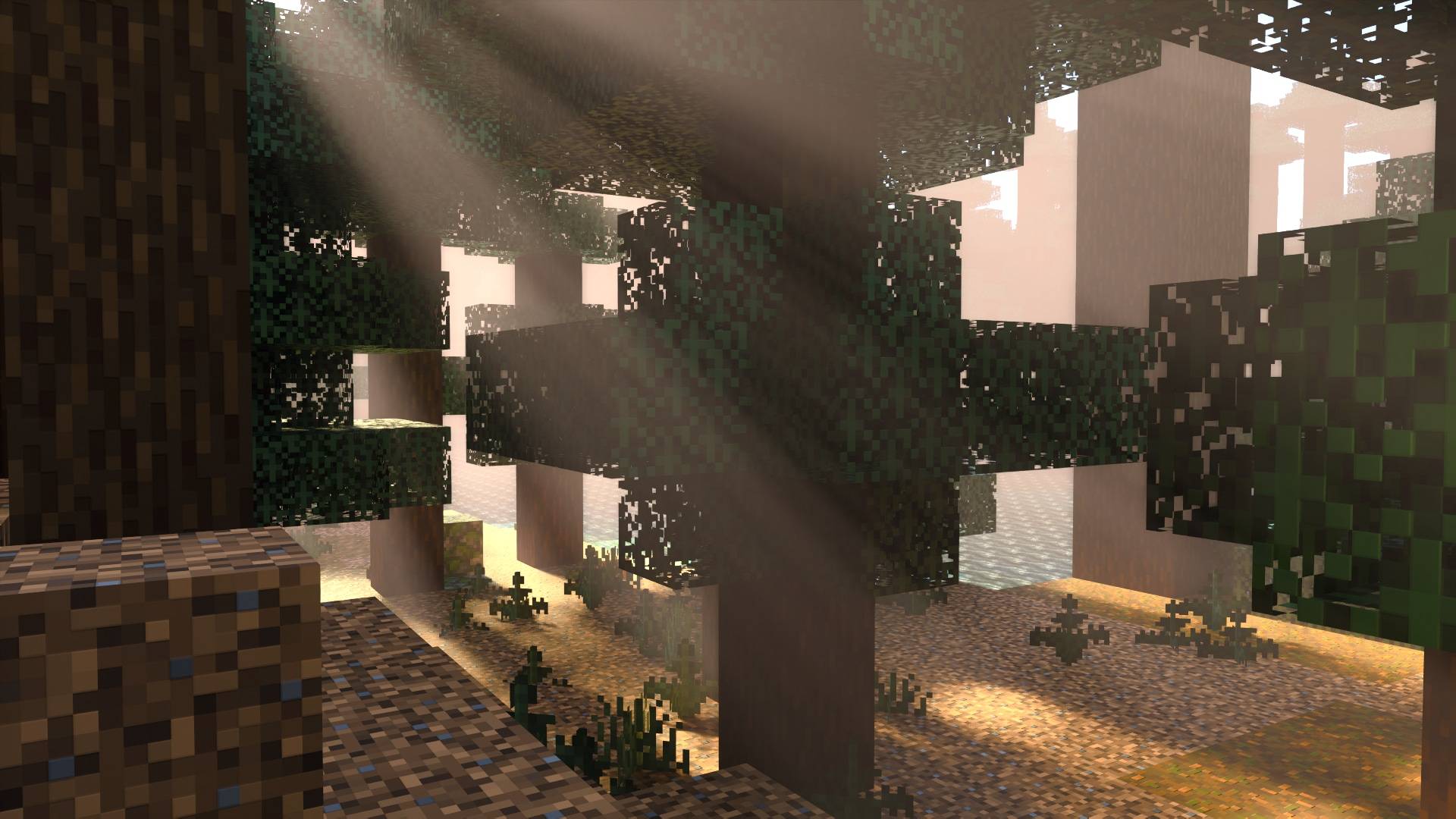
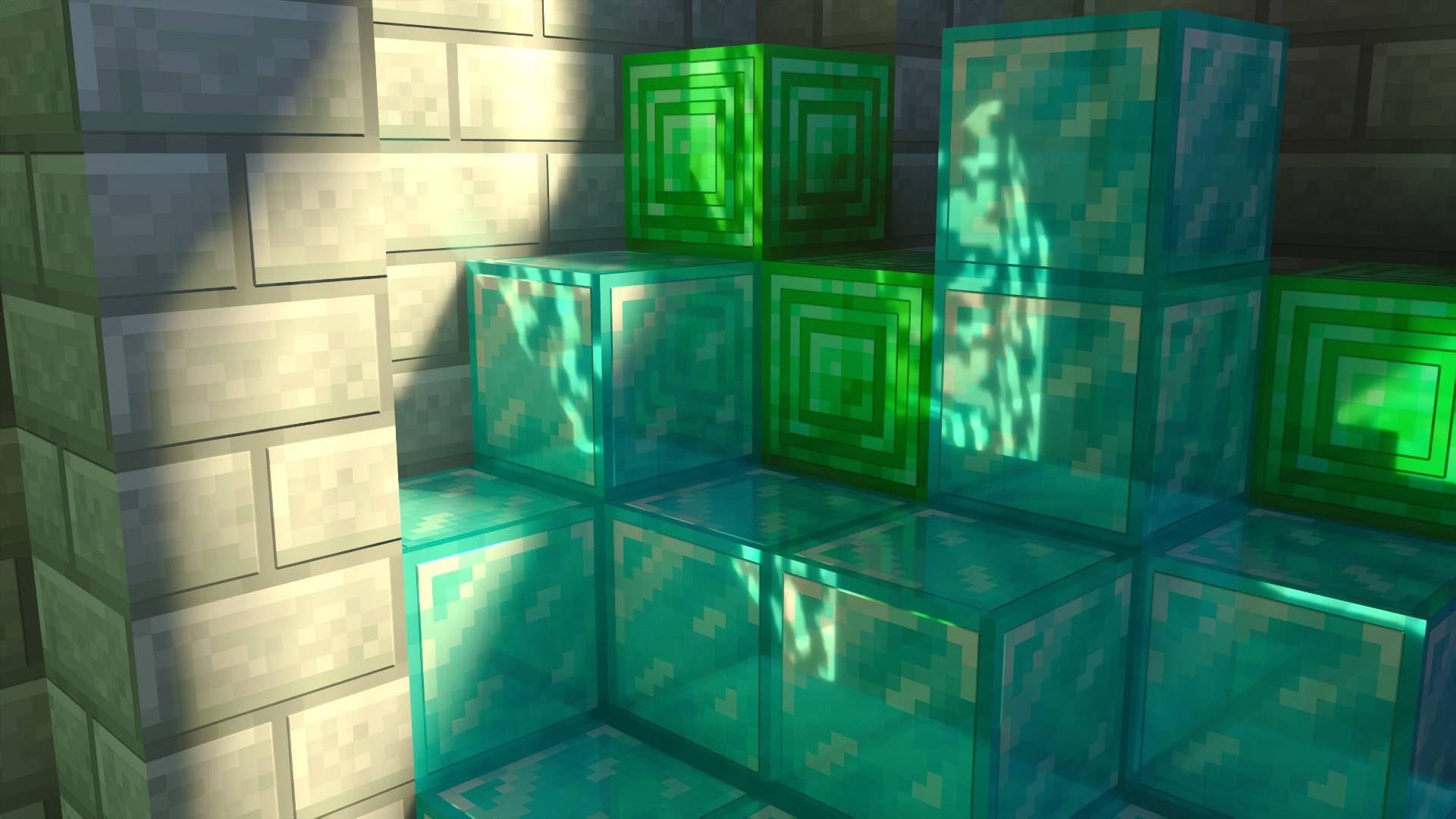
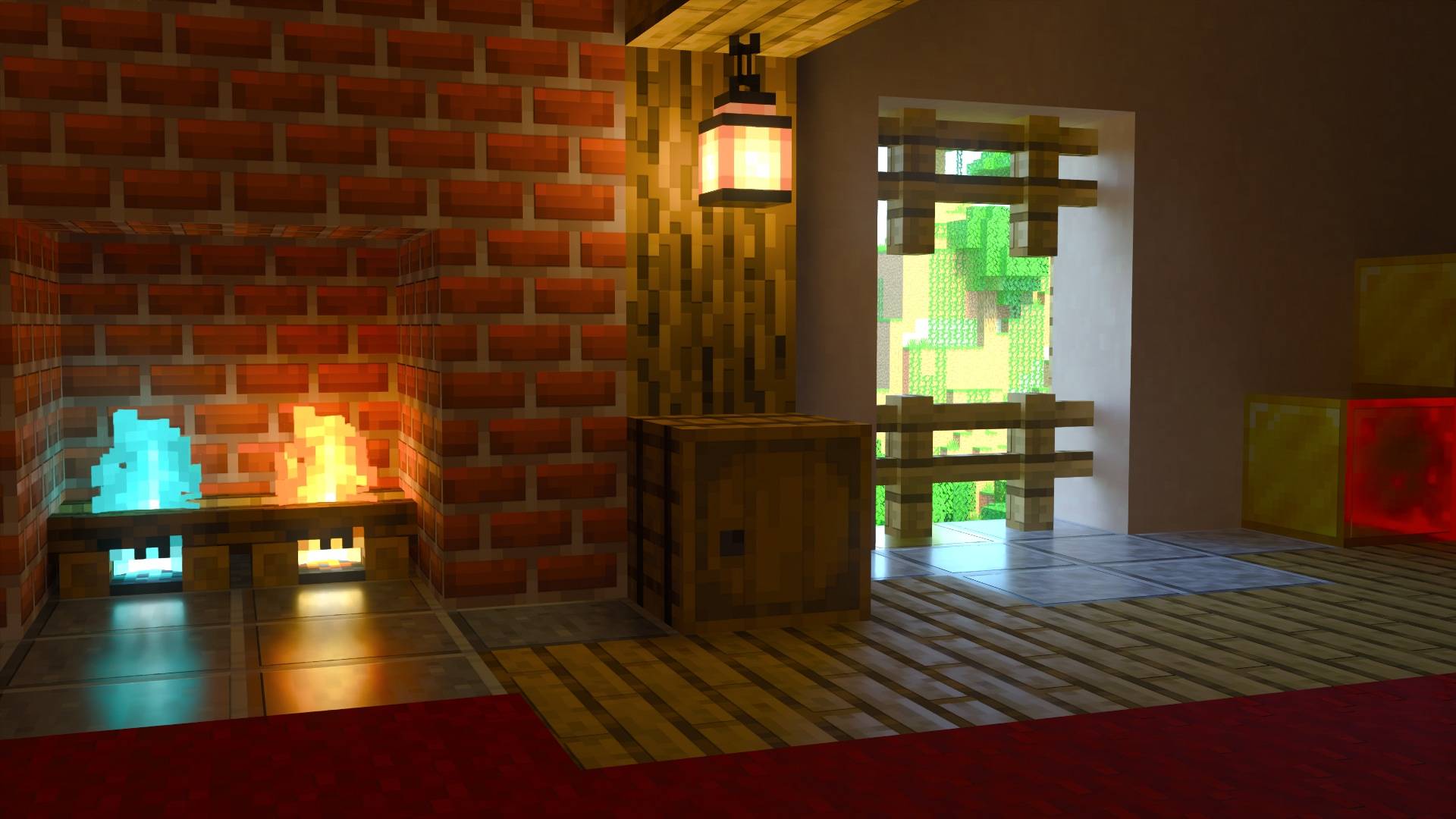
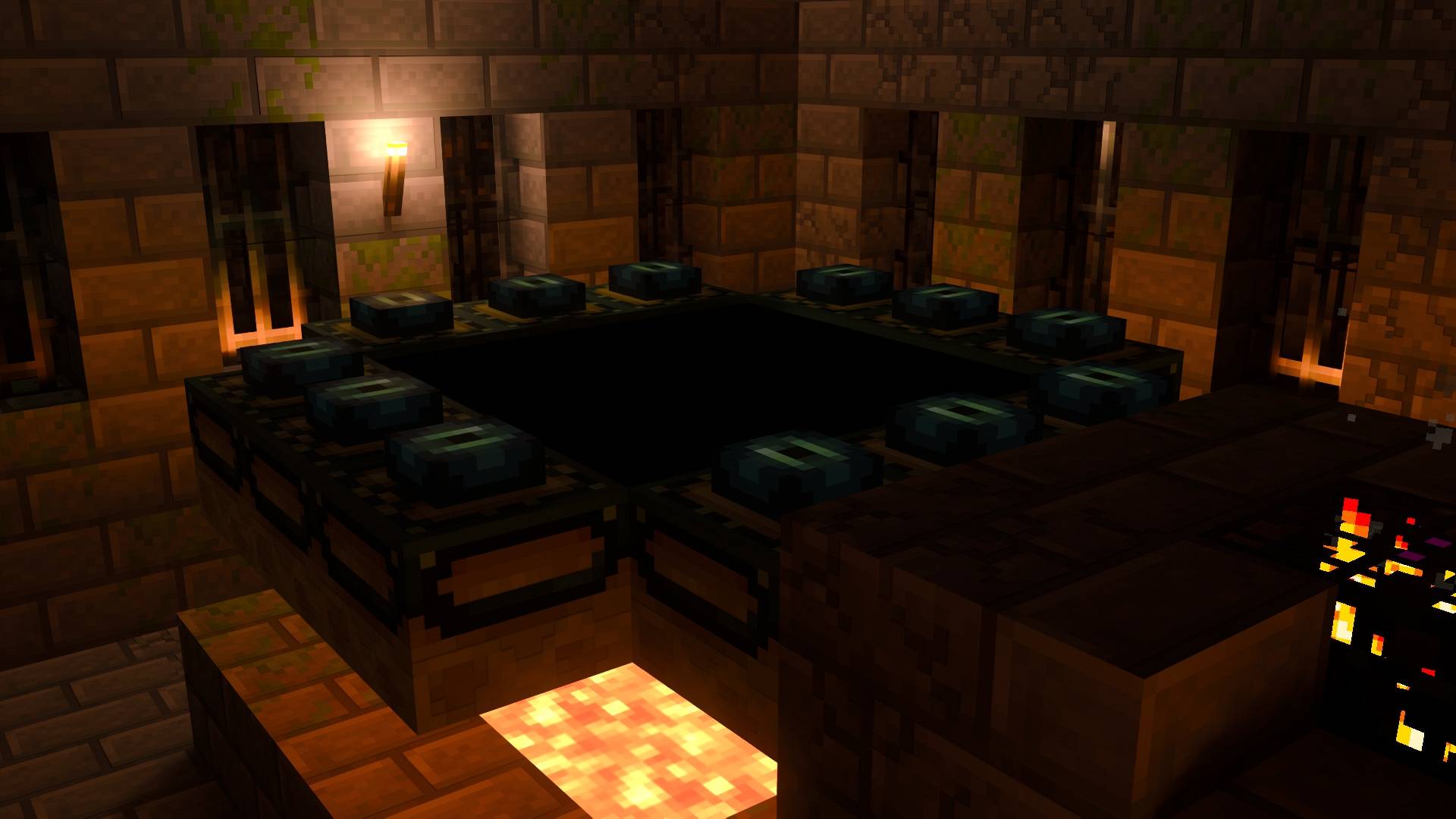
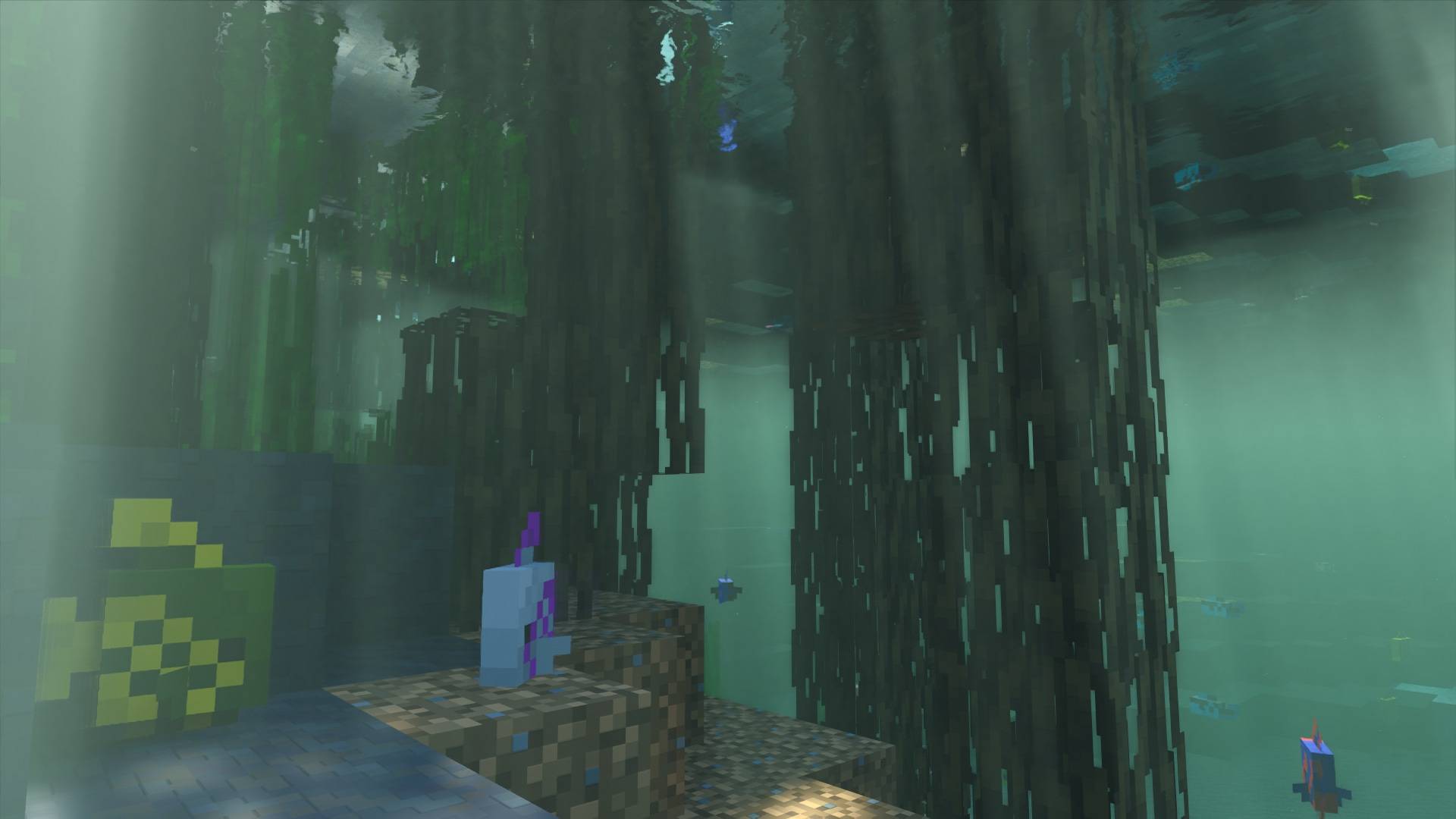
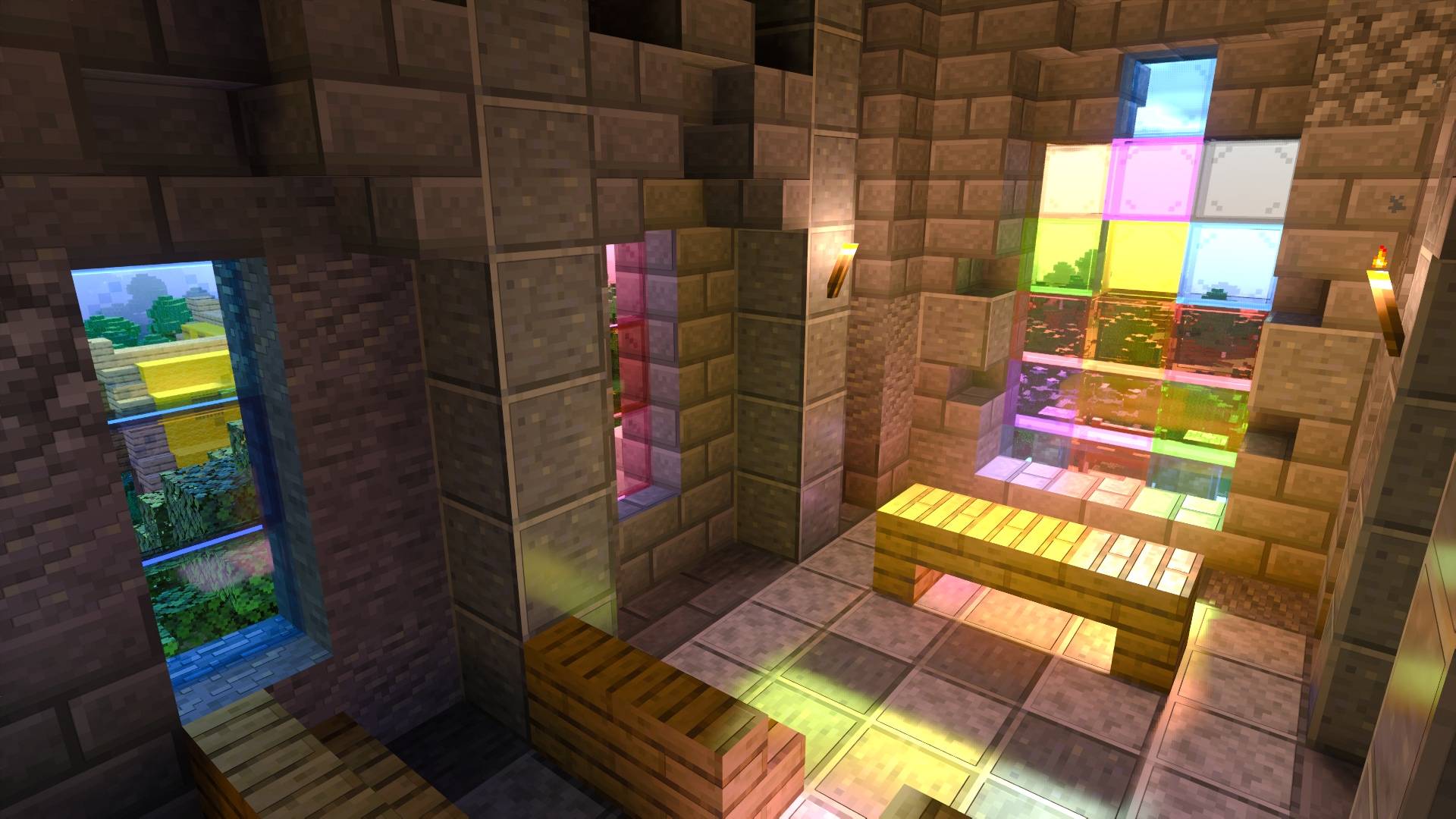
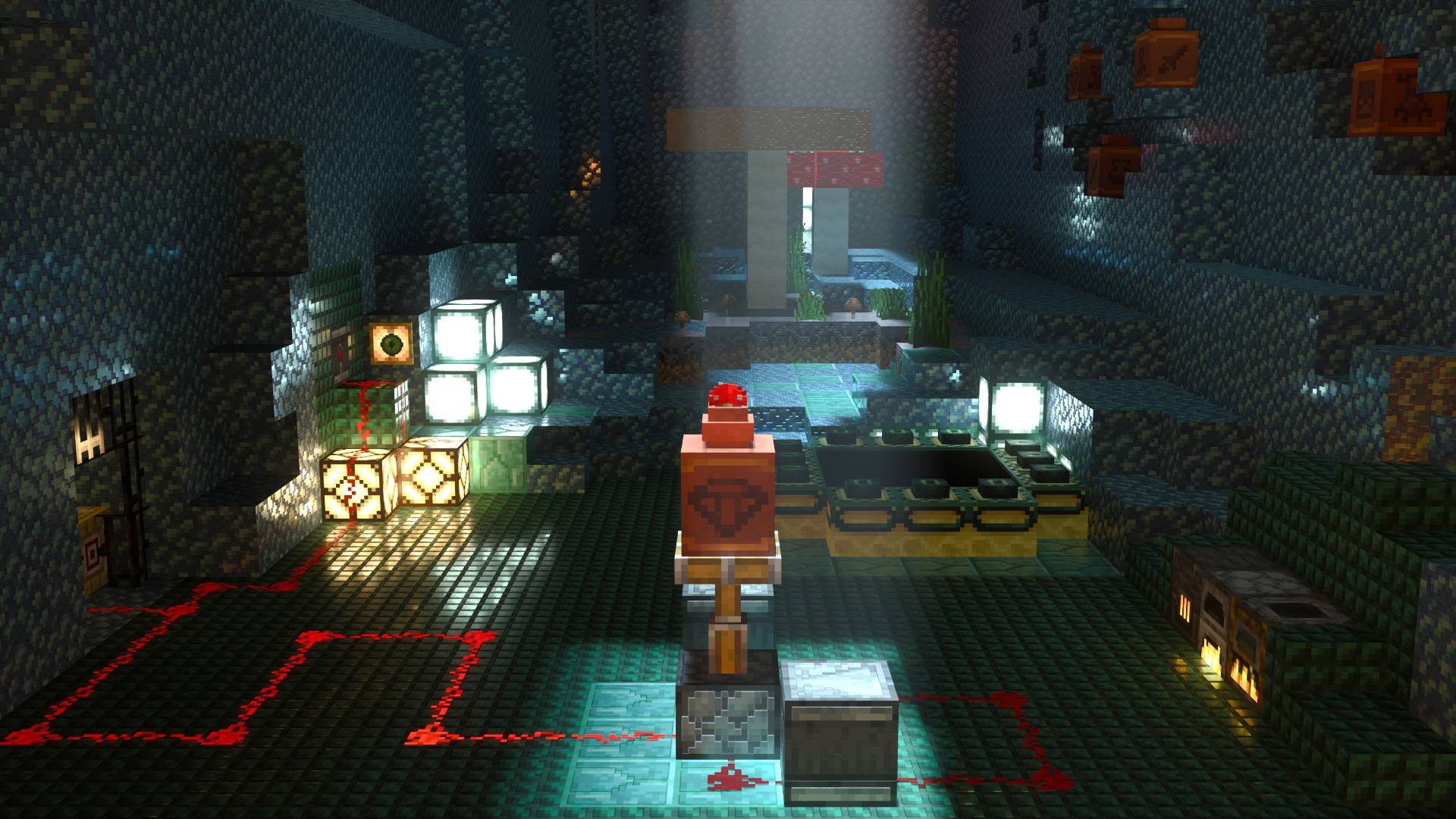
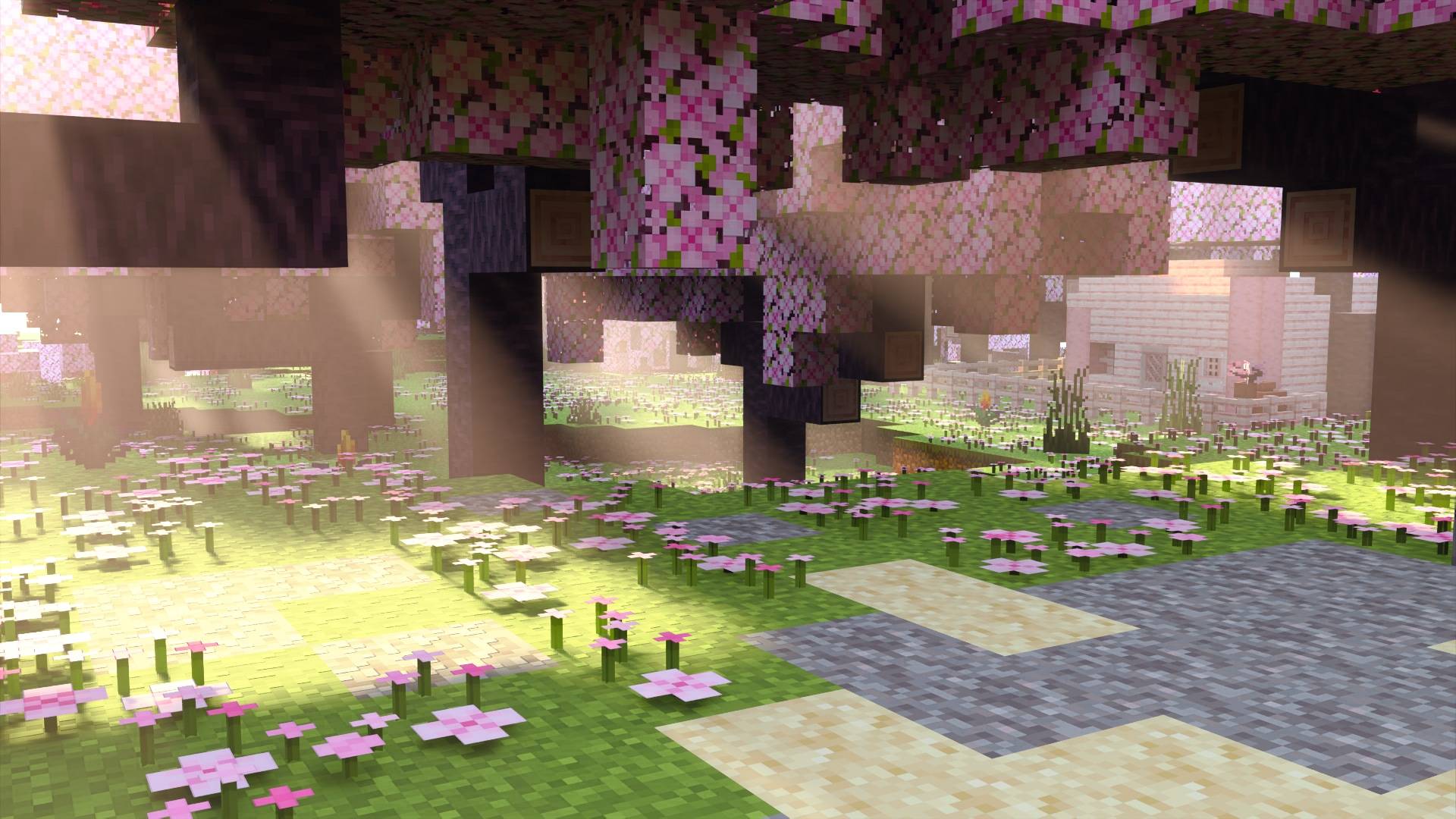
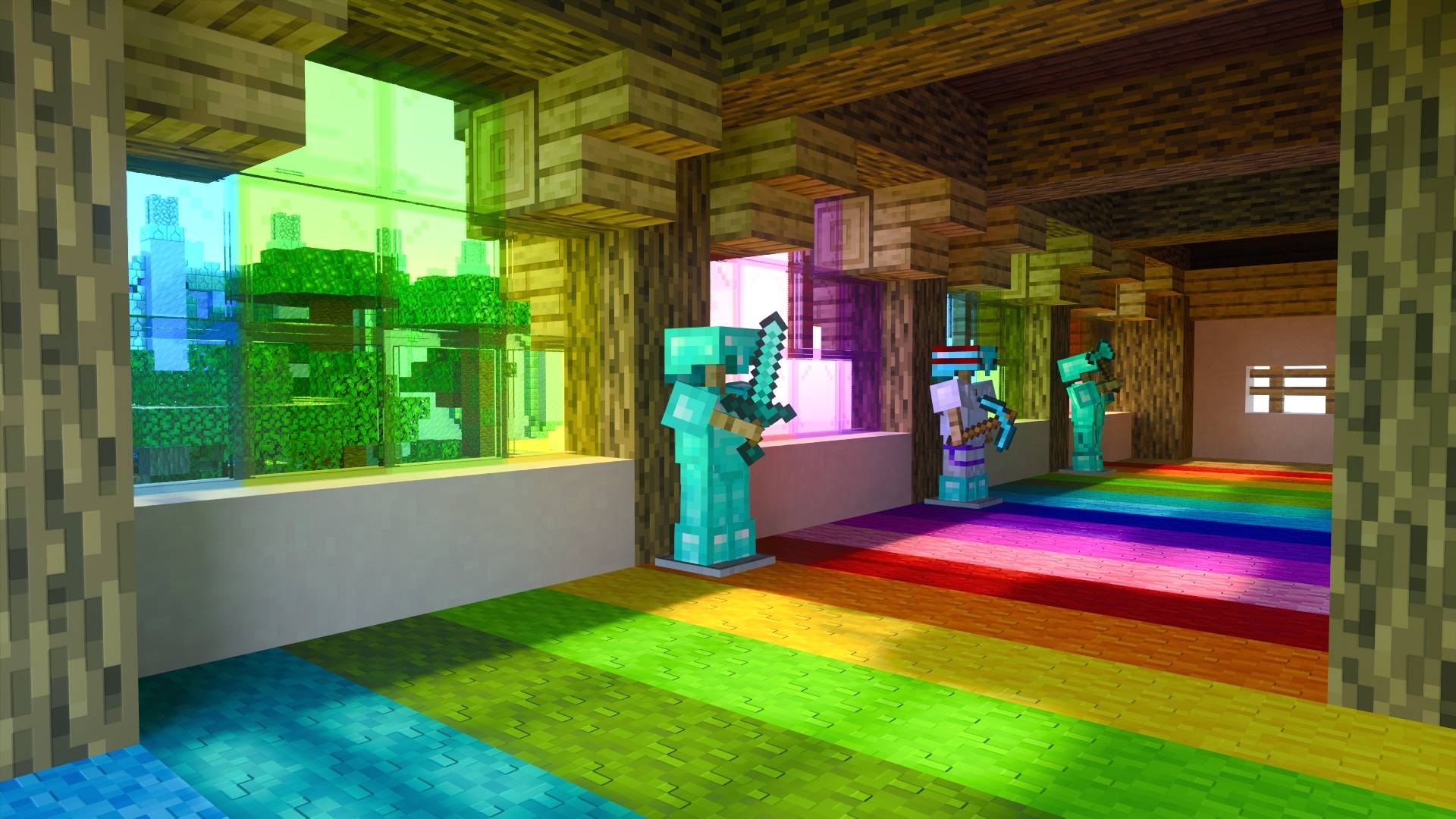
Vanilla RTX is the go-to ray tracing resource pack for Minecraft RTX, bringing together a cohesive art direction for default ray-traced Minecraft graphics since 2020 – Enabling players to use Minecraft's ray tracing features in any world or servers by adding thoughtfully-crafted materials and configurations to the base game without altering the vanilla experience, delivering complete ray tracing support for Minecraft in a manner that integrates seamlessly and maintains a native look and feel.
- Every possible vanilla block is supported, even secret or unobtainable blocks.
- All blocks feature highly detailed, unique material designs that remain consistent across different blocks made of similar materials.
- Every material has been carefully designed to give each block the character it deserves while preserving its original style and functionality – without diverging from the artist's intent inherent in the texture.
- Everything has been fine-tuned for Minecraft's ray tracing.
- Compatibility errors of vanilla resources with ray tracing are resolved through Enhancements
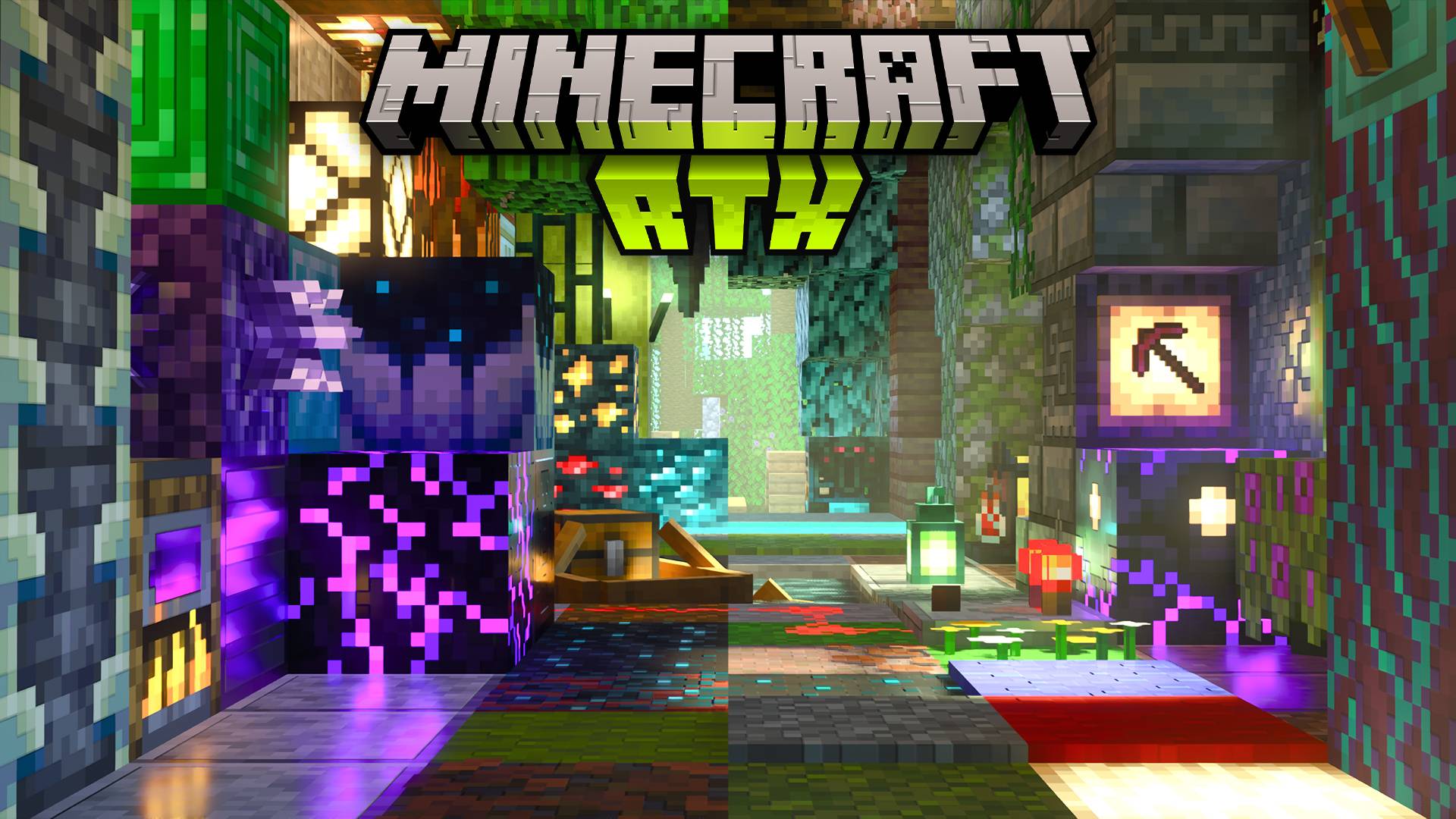

Main Resource Packs:
- Vanilla RTX uses 16x heightmaps which define depth on blocks.
- Vanilla RTX Normals features handcrafted 16x normal maps instead, which simulate curvature by defining the direction each pixel in the texture is facing.
- Vanilla RTX Opus is the composition of both Vanilla RTX & Vanilla RTX Normals, featuring higher resolution normal maps with an unprecedented level of detail.
Related Projects:
- Vanilla RTX App is an installable tool that lets you launch Minecraft RTX without issues in one click, customize fog, lighting or materials in Vanilla RTX, recieve updates automatically, upgrade DLSS, and more...
- Vanilla RTX Add-Ons are a series of smaller packages that give certain blocks interesting properties!
- Chemistry RTX packs are optional extensions to extend support to Minecraft: Education Edition Chemistry content.
- Creative RTX HD Material Pack features a collection of exotic high definition materials for creative builds with ray tracing.

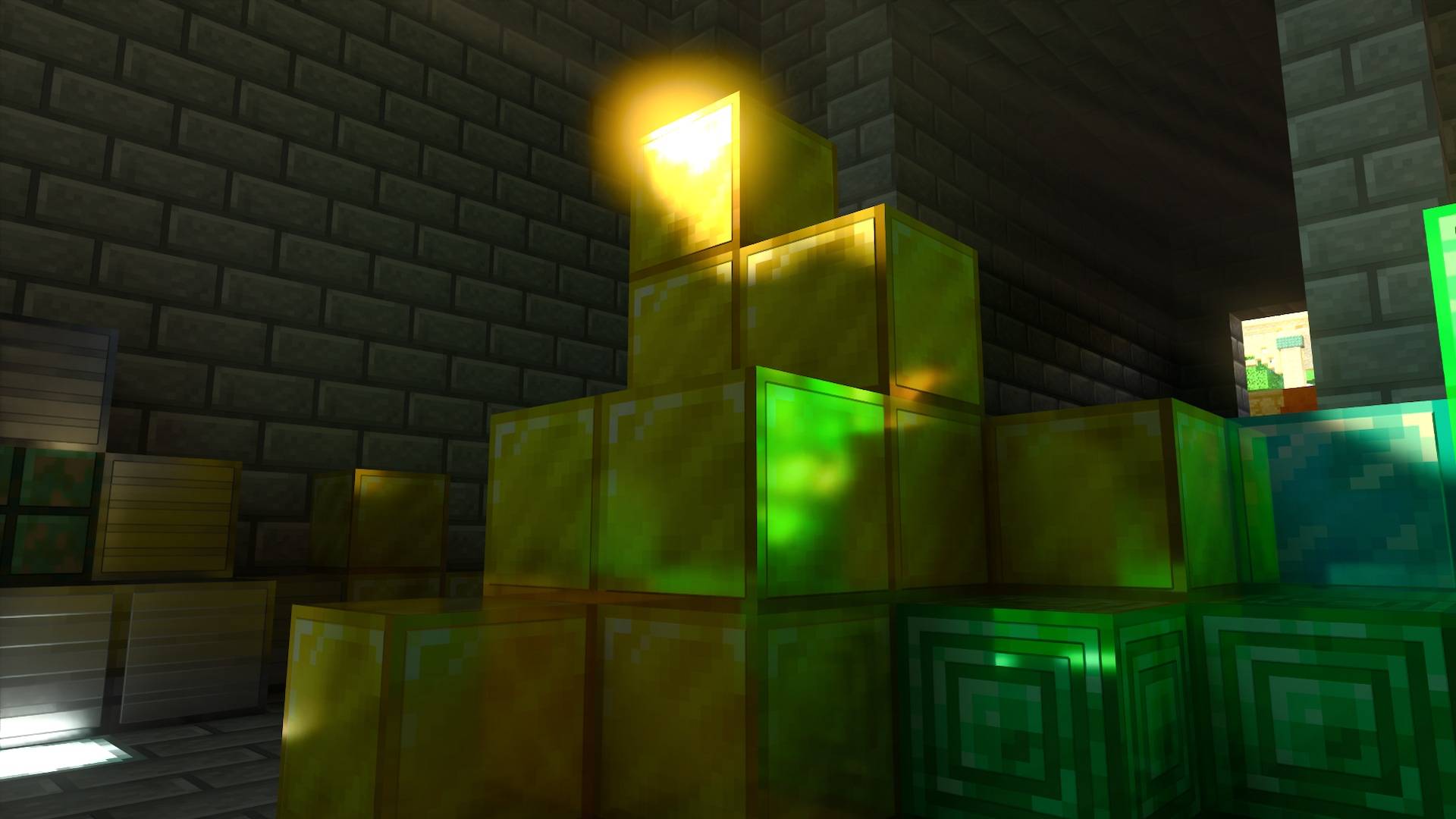
With Vanilla RTX all blocks receives their own custom RTX flavor, elevating their character.
Every texture is meticulously taken care of for the highest level of detail and internal consistency while making sure they preserve or complement their core vanilla style and functionlity.
Vanilla RTX is is the most up-to-date ray tracing resource pack for Minecraft, regular updates add support for newer Minecraft features while improving the appearance of existing ones and adapting to the latest versions of the game.
A wide range of technical and compatibility issues of vanilla resources with ray tracing have also been addressed in this pack, giving all players the ability to continue to enjoy the latest Minecraft features and updates with ray tracing at its best.
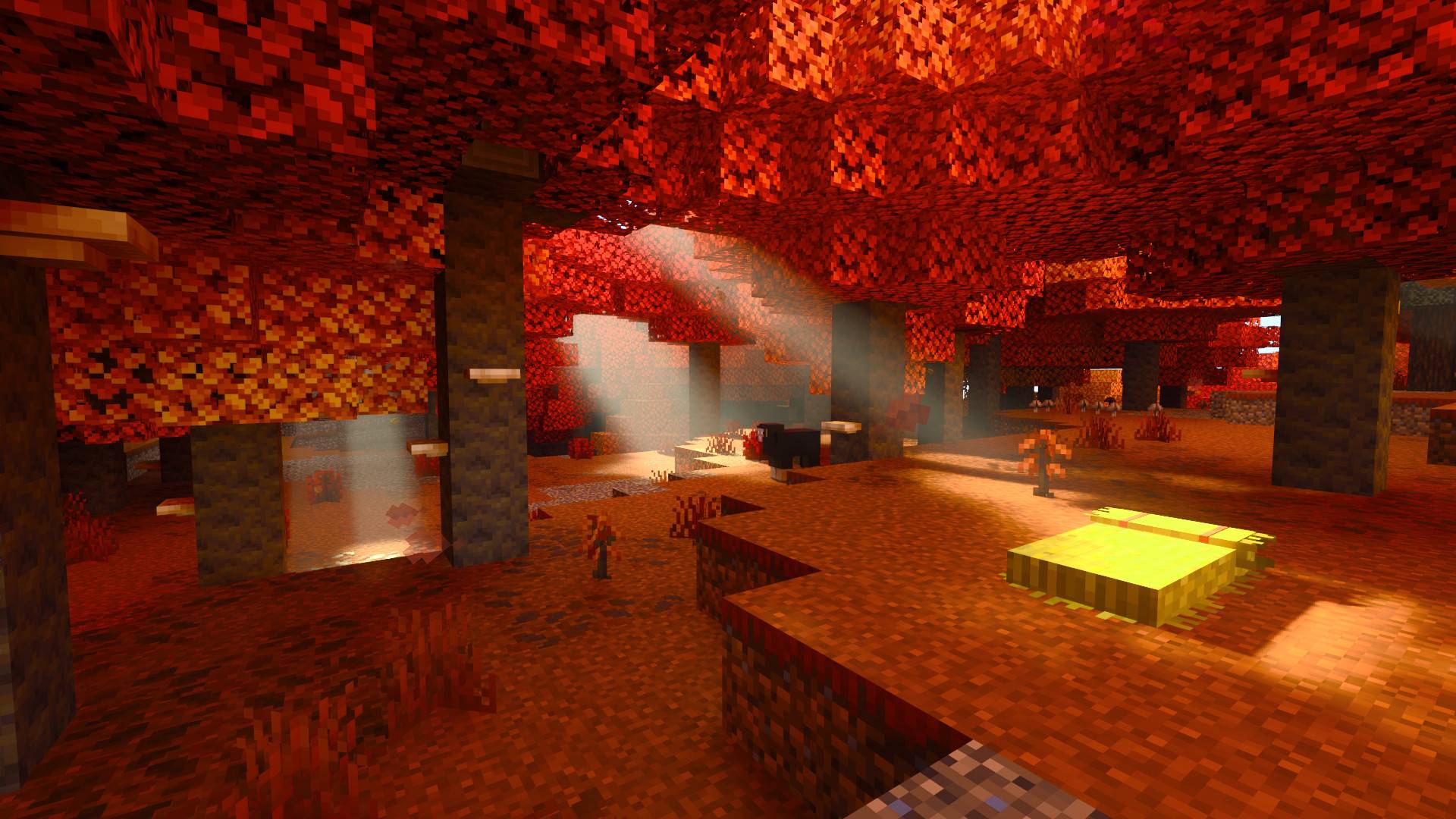
Most of fog colors with ray tracing have been made to match vanilla game colors and to complement each biome's intended feel and atmosphere. If you want to control the intensity of fog effects, you can easily do that (and much more!) through the Vanilla RTX App.
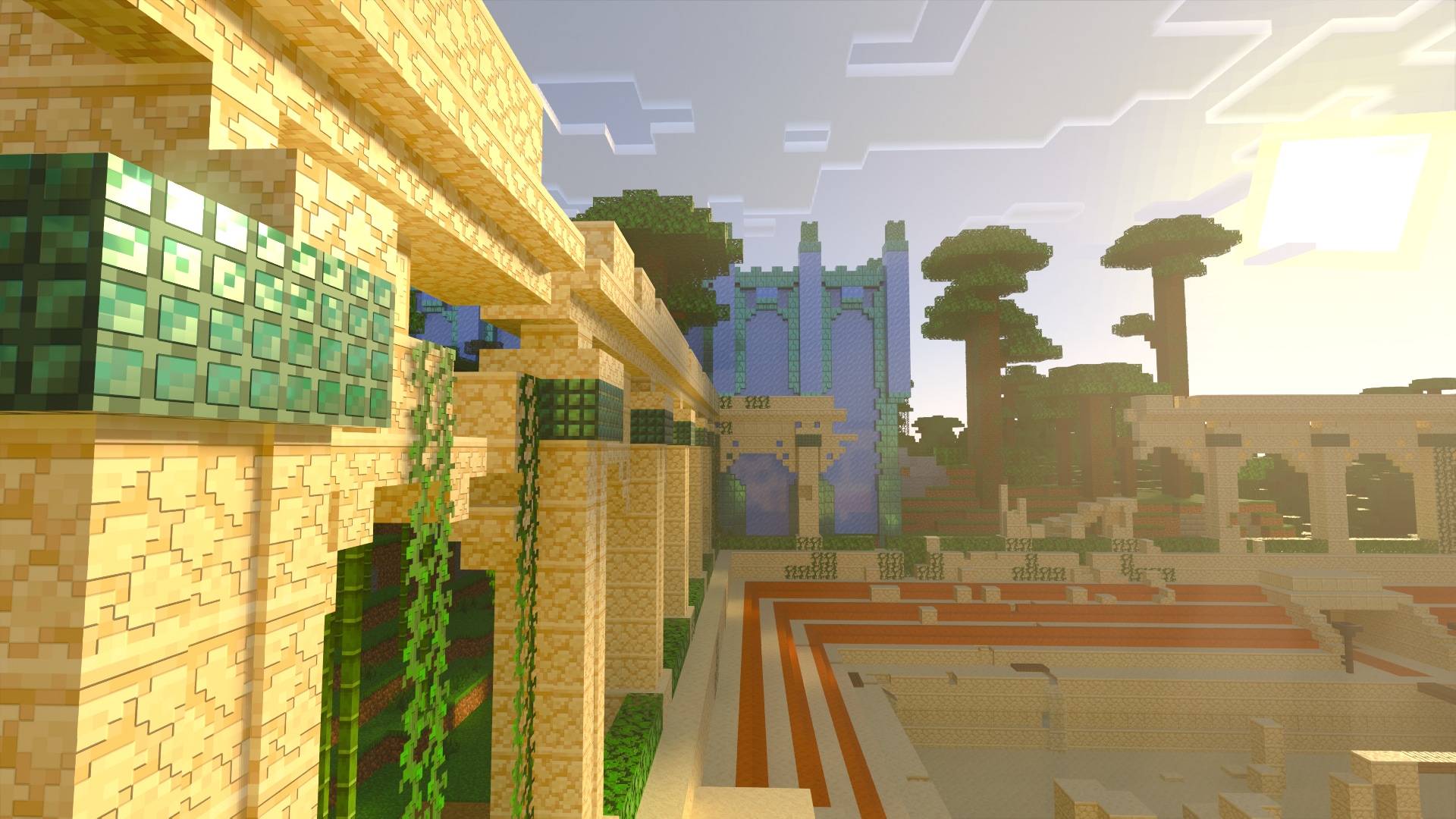
Support for the Wilderness Bound game drop has been added.



Minecraft RTX Bug Fixes & Enhancements
These features enhance visuals and provide workarounds for many of Minecraft's issues, this page contains all of the latest information about everything included in the latest version. The spoiler section below contains a summary.
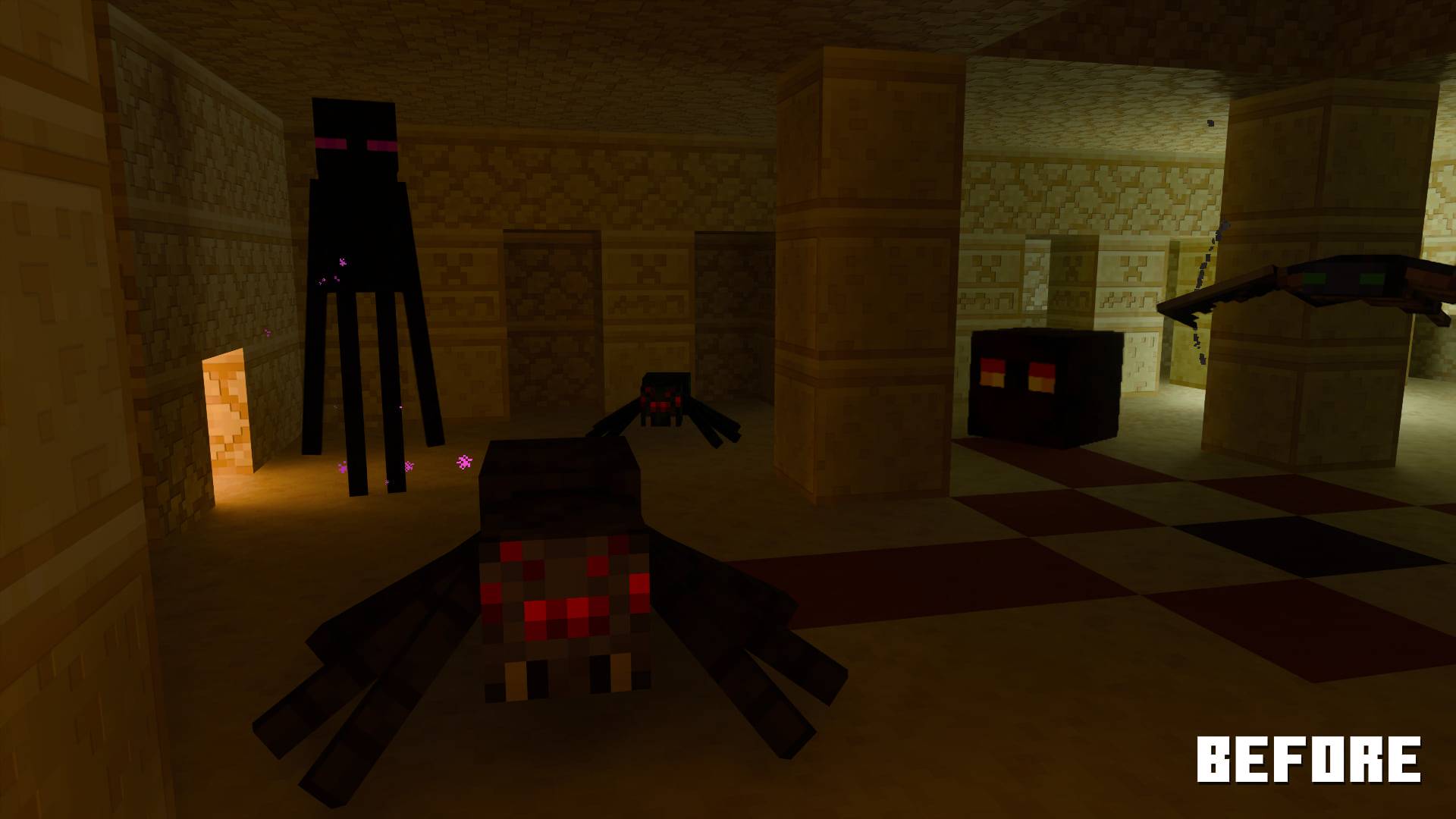
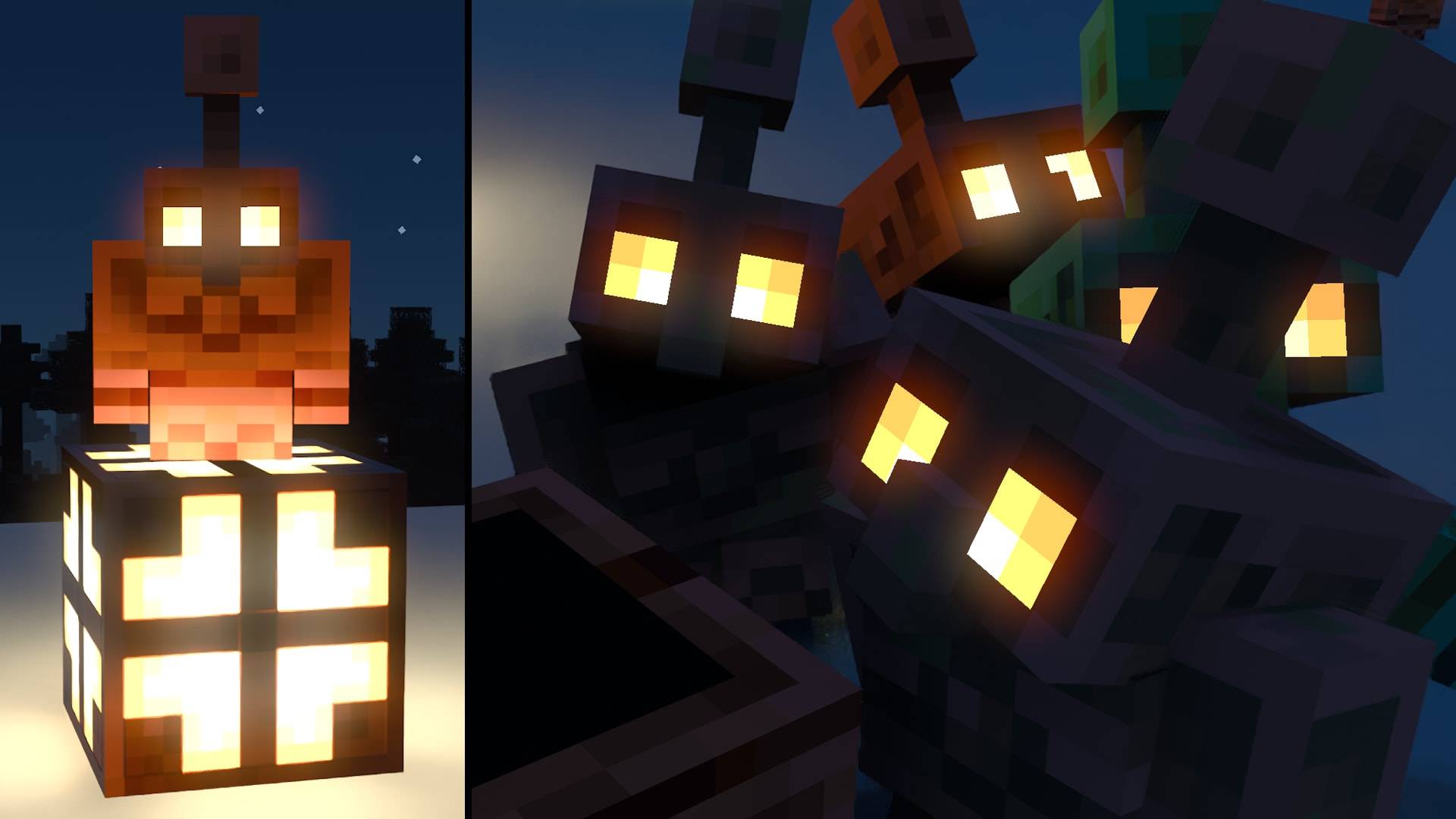
Glowing Entity Enhancements: Mobs that have glowing parts in vanilla Minecraft now display the same glow with ray tracing. This is taken a step further with some entities such as the creaking with a unique bloom effect!

Copper Golem Eyes Texture Fix: Copper Golem's eyes are no longer missing their texture with ray tracing, they've also been enhanced to glow with ray tracing, with a unique bloom effect that fades, matching the colors of their respective copper bulb's oxidization stage (MCPE-227676)
Entity Invisibility Issues Fix: Invisibility effect now properly hides models of the following entities when ray tracing is enabled: Spider, Cave Spider, Phantom and Enderman, Alerted Creaking.
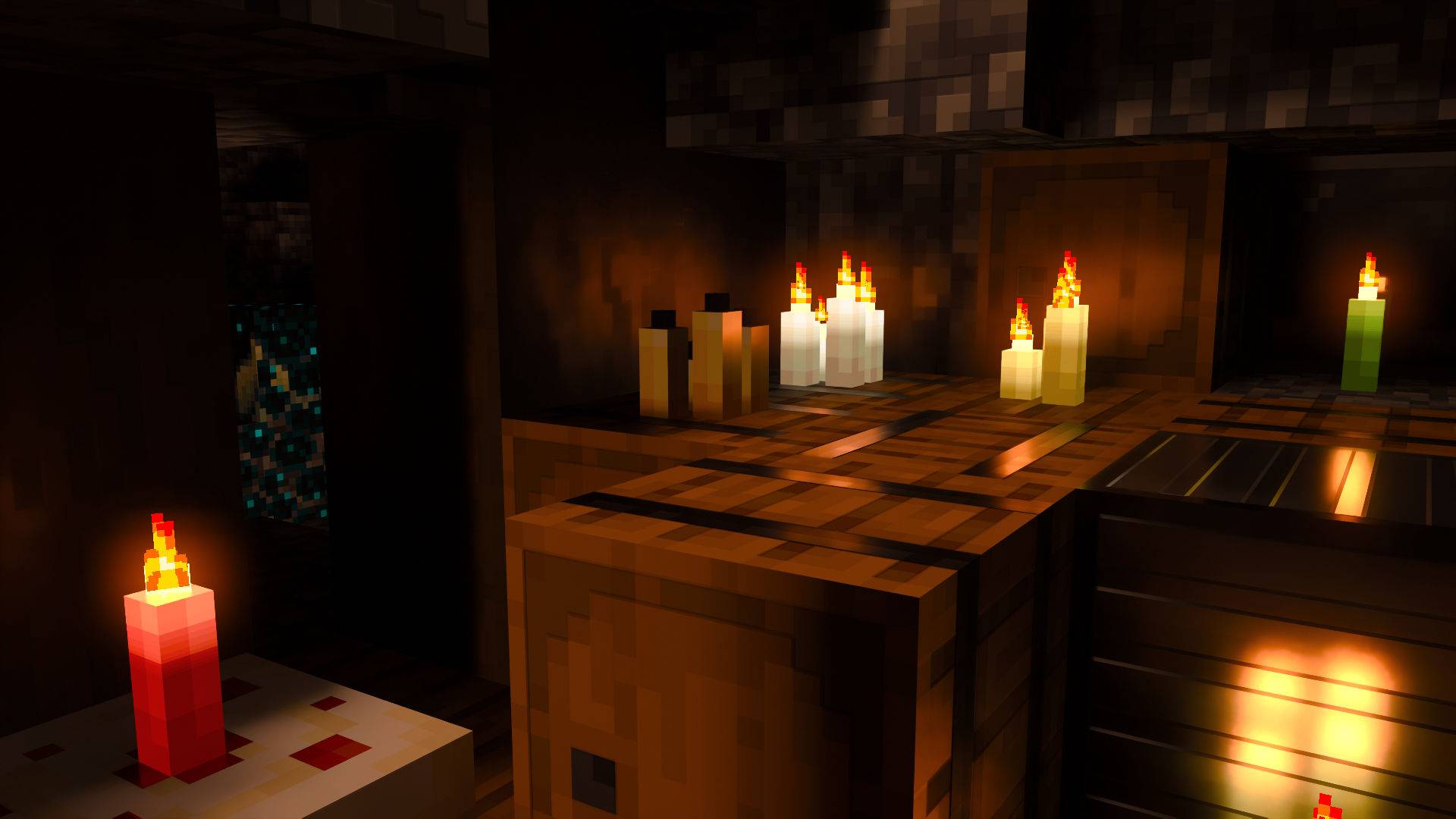
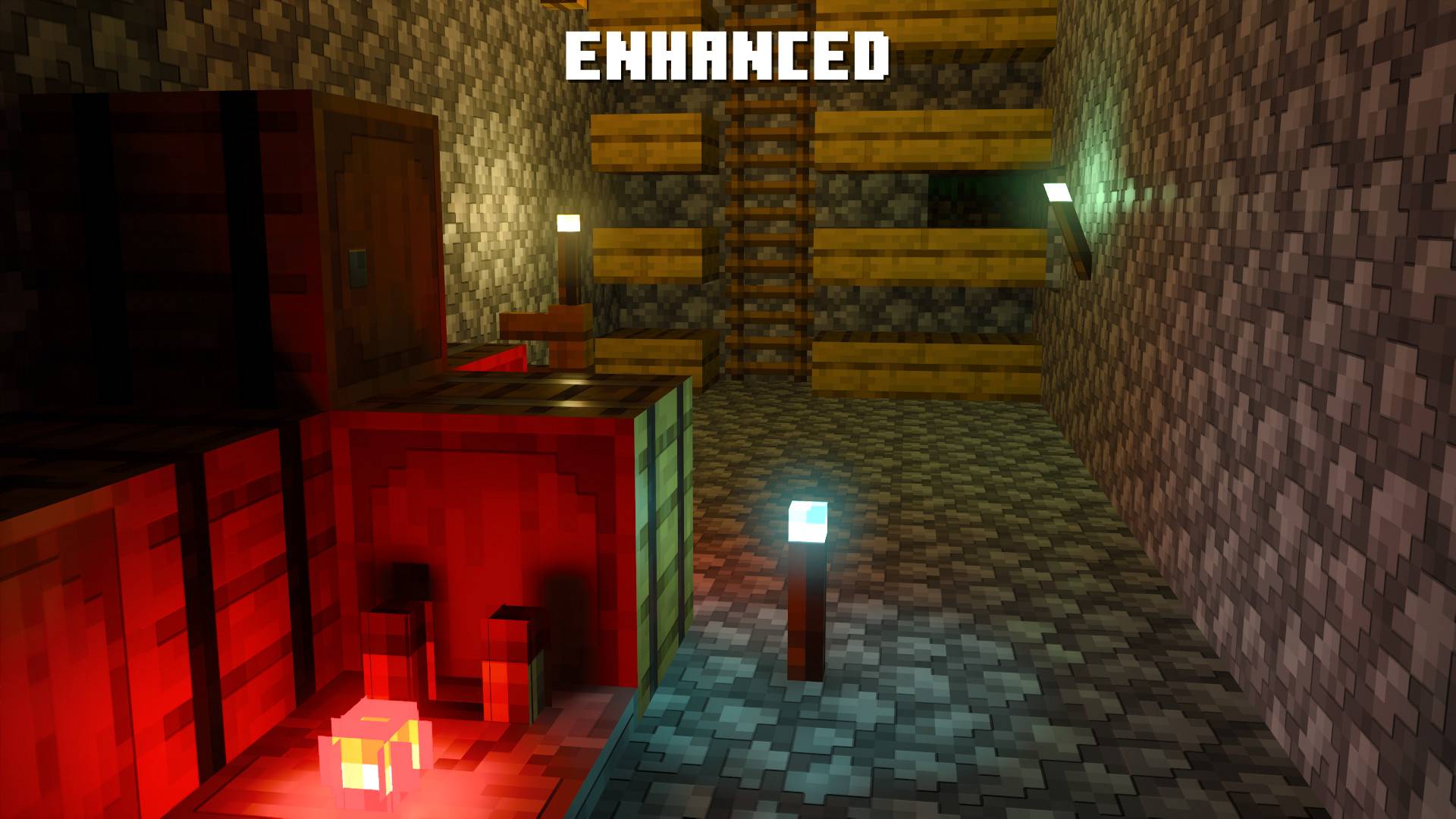
Enhanced Candles: Candles lack a point light, candles' appearance have been improved, now with an strong emissive wick! (1.21.80+ Only)
Universal workaround for rendering errors of cross-shaped blocks, foliage and crops with ray tracing (MCPE-189266)
- This issue persists for the following blocks: Glowberry vines, Pitcher plant, Kelp, Pointed dripstone, Weeping vines, Twisting vines, Seagrass, Sweet berry bush
Decorated Pot Issue Workaround: By default decorated pots texture display incorrectly with ray tracing. (MCPE-167161)
Spyglass Texture Fix: Cleared dark spots on spyglass texture, so that the issue of the texture being overly zoomed-in no longer interferes with functionality of spyglass (MCPE-125925)
Missing Point Lights Workaround: Light sources that previously had point lights will once again be functional (MCPE-227624)
Black Entities, Animation and Texture Fixes:
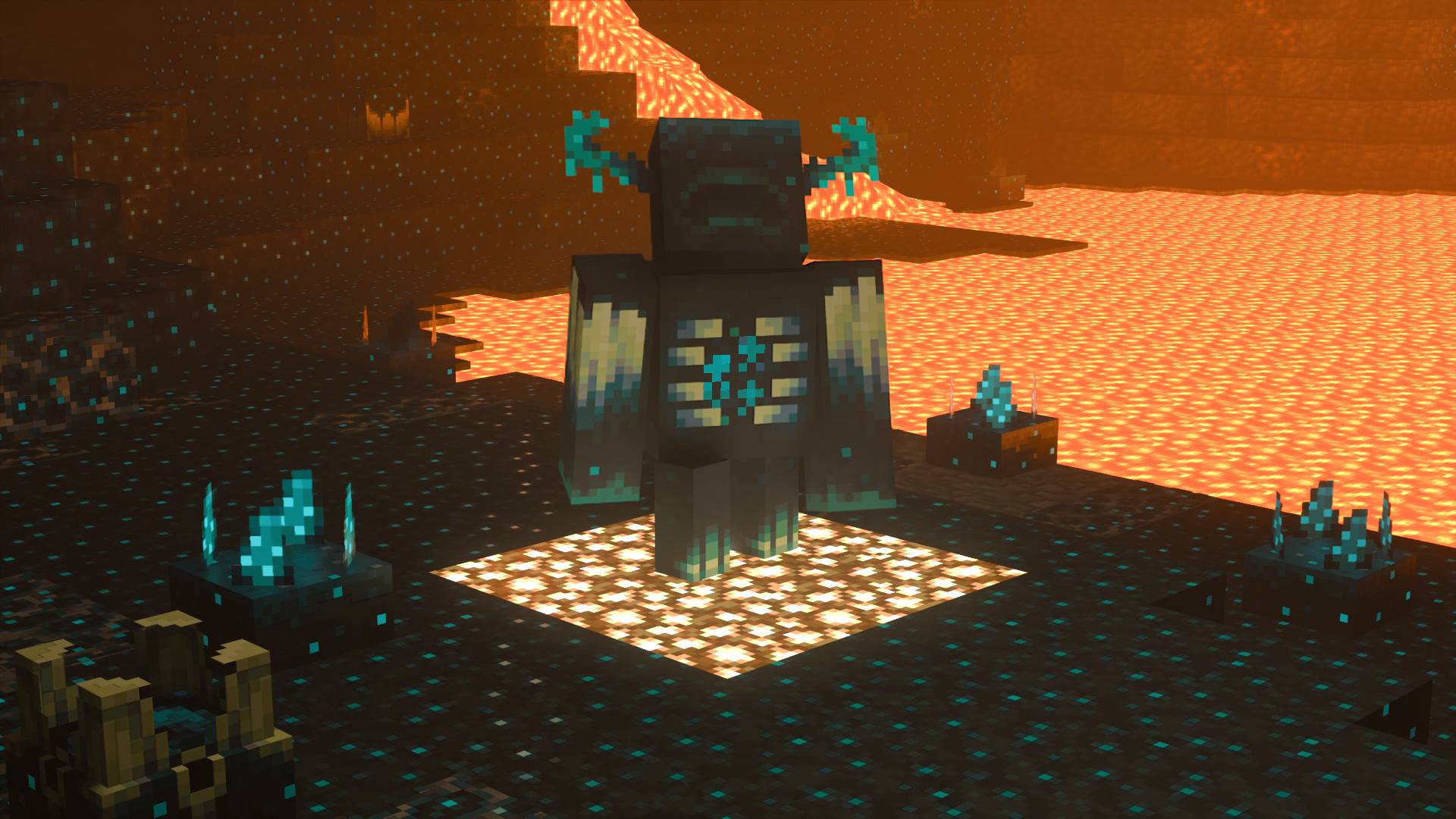
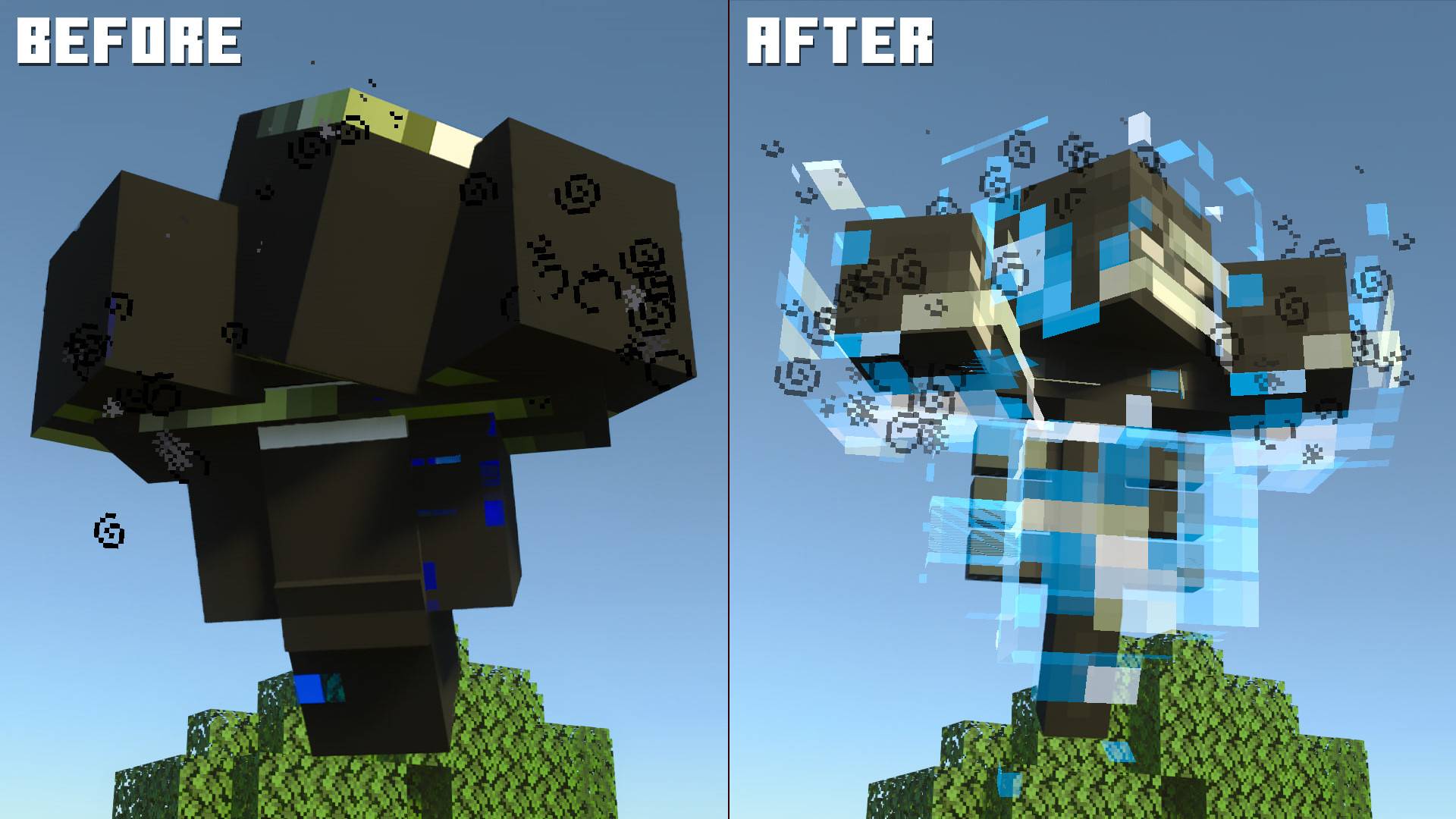
- Some entities such as Breeze and Warden no longer display black textures, the wither, breeze wind and projectile have been improved for ray tracing with restored texture animations (MCPE-157438) (MCPE-141530 ) (MCPE-183631)
- Iron Golem's crack stage textures have been restored for ray tracing.
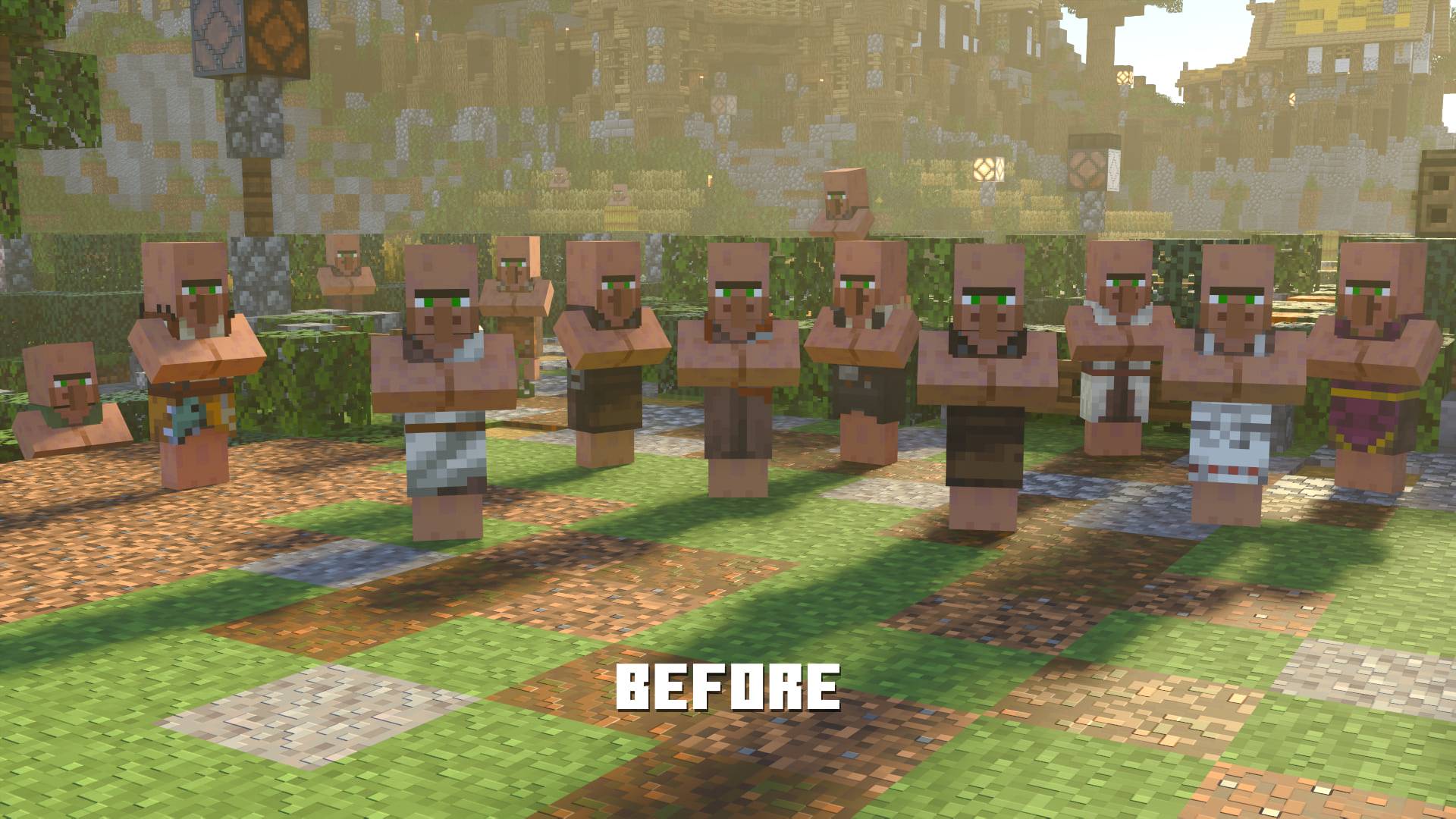
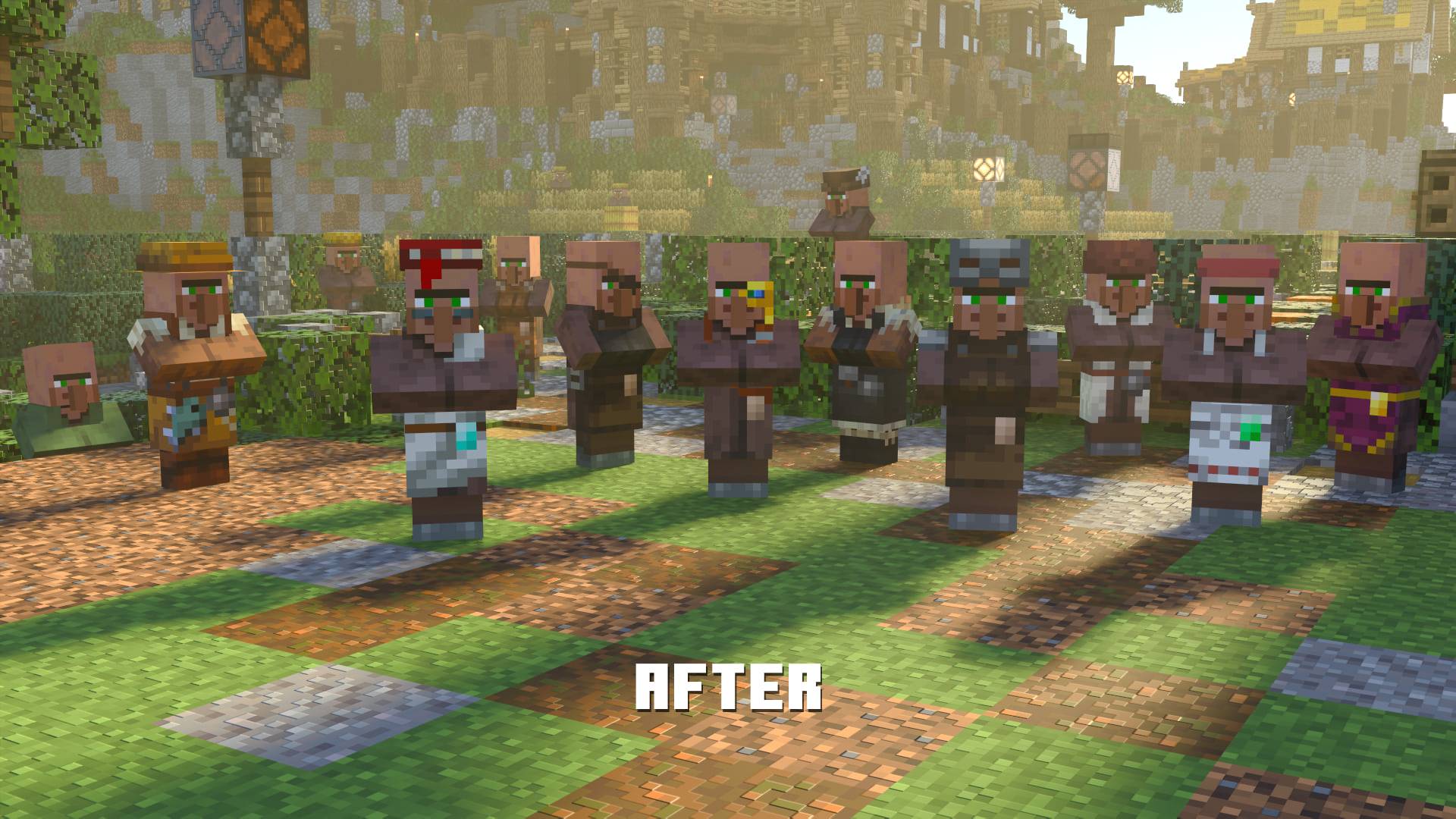
- Villager and Zombie Villager texture issues have been resolved, villager models have been enhanced with more detail (MCPE-111414)
Known issues with villagers and zombie villagers:
- Performance impact may be larger when too many villagers are present.
- Texture Z-fighting may occur without ray tracing.
- Still villager heads may occasionally flicker with ray tracing.
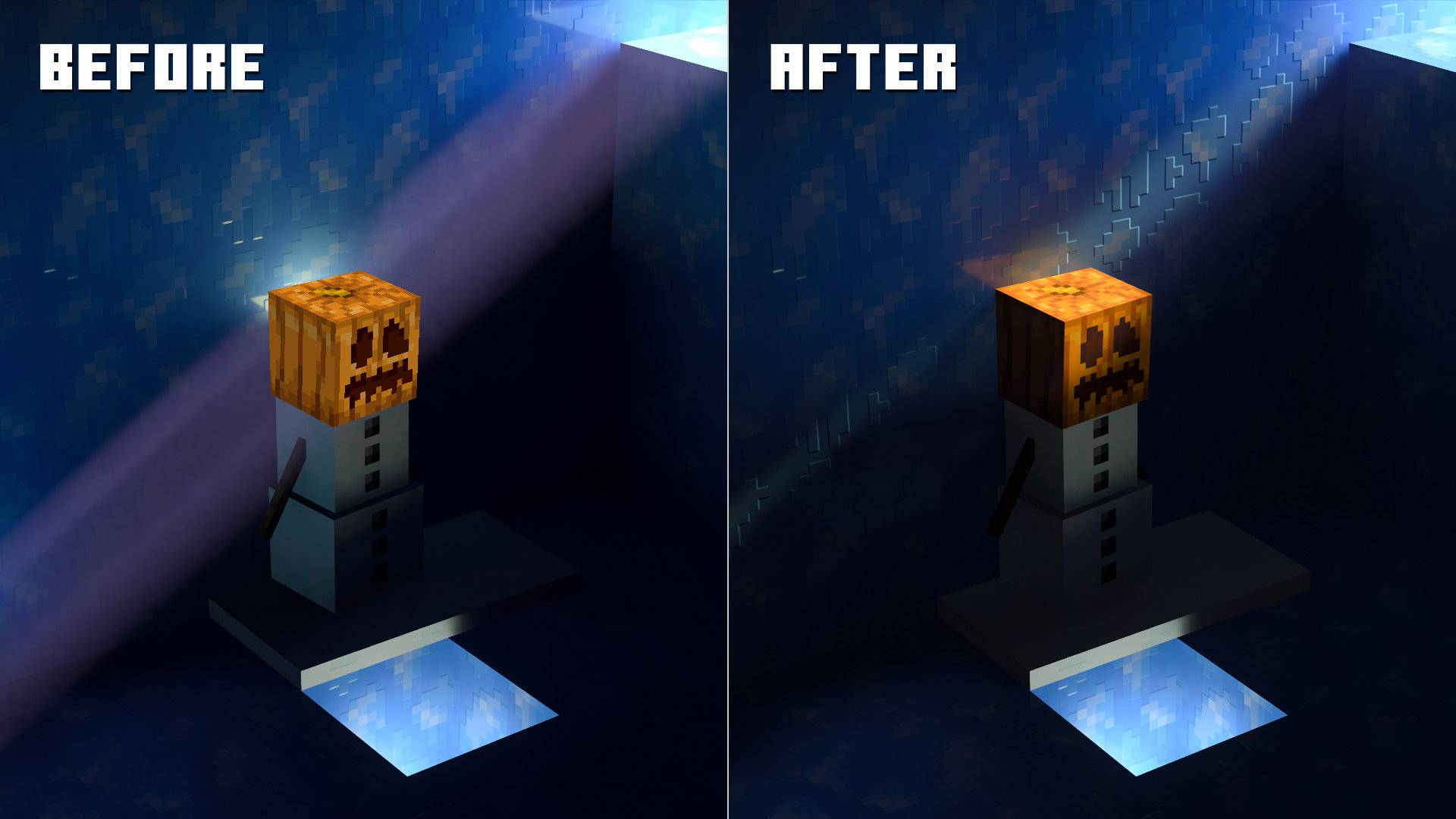
Snow Golem Fix: Snow Golem's head is no longer rendered similar to particles.
Known issue: Invisible Snow Golem head still renders as a particle.
Fixed Missing Mooshroom Mushrooms: Mushrooms on Mooshroom that were missing by default are now remodeled to display with ray tracing. (Issue#28)
Fixed Missing Tropical Fish Fins: Fixed tropical fish patterns not being composited properly if the fish's base layer is transparent. (i.e. causing parts of fish fins to go invisible with ray tracing)
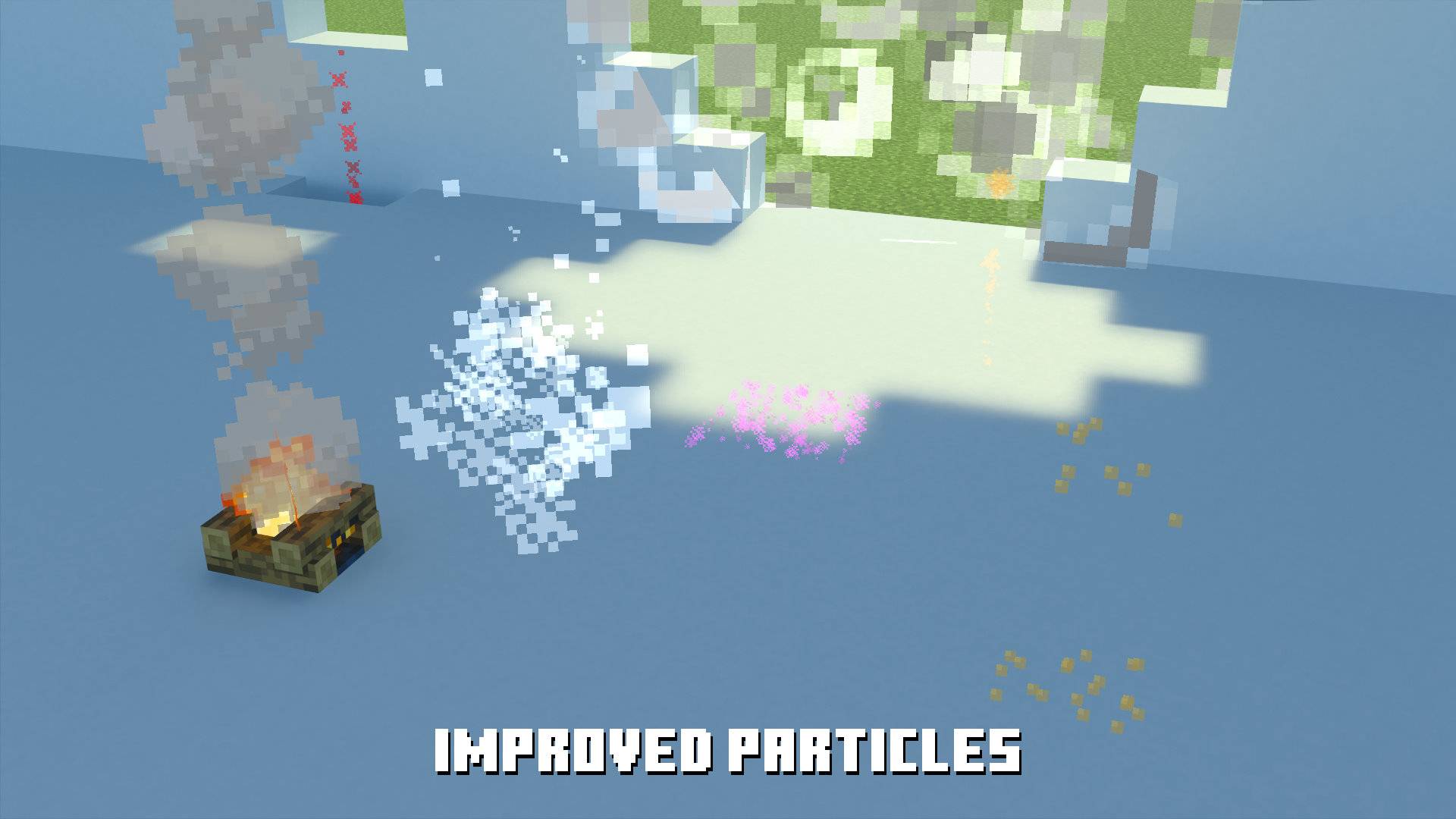
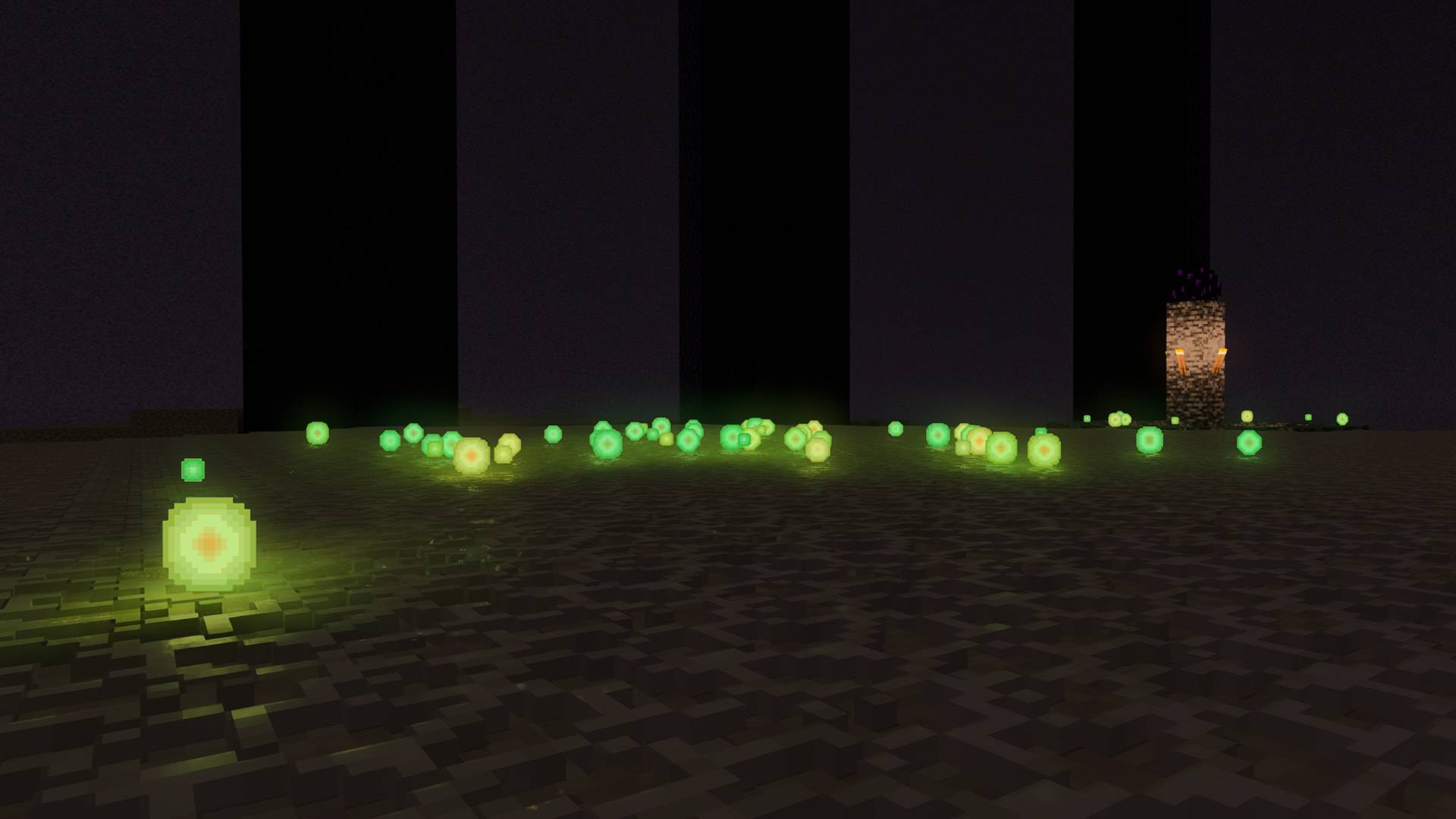
Enhanced Particles: Every rasterized particle has been adjusted where needed in order to blend-in with the ray-traced world.
Fixed larger XP Orb textures always appearing small with ray tracing (MCPE-183629)
Color-Corrected Doors: Doors usually appear a lot darker with ray tracing (MCPE-121412) this workaround attempts to correct colors of doors to a certain degree where possible. (Not all colors are fully correctable, specifically doors that already come with bright colors)
Fixed Command Block and TNT Minecart issues: Blocks in Minecarts are no longer unaffected by ray tracing.
Fixed visual glitch of Hopper inside Hopper Minecart: MCPE-241124
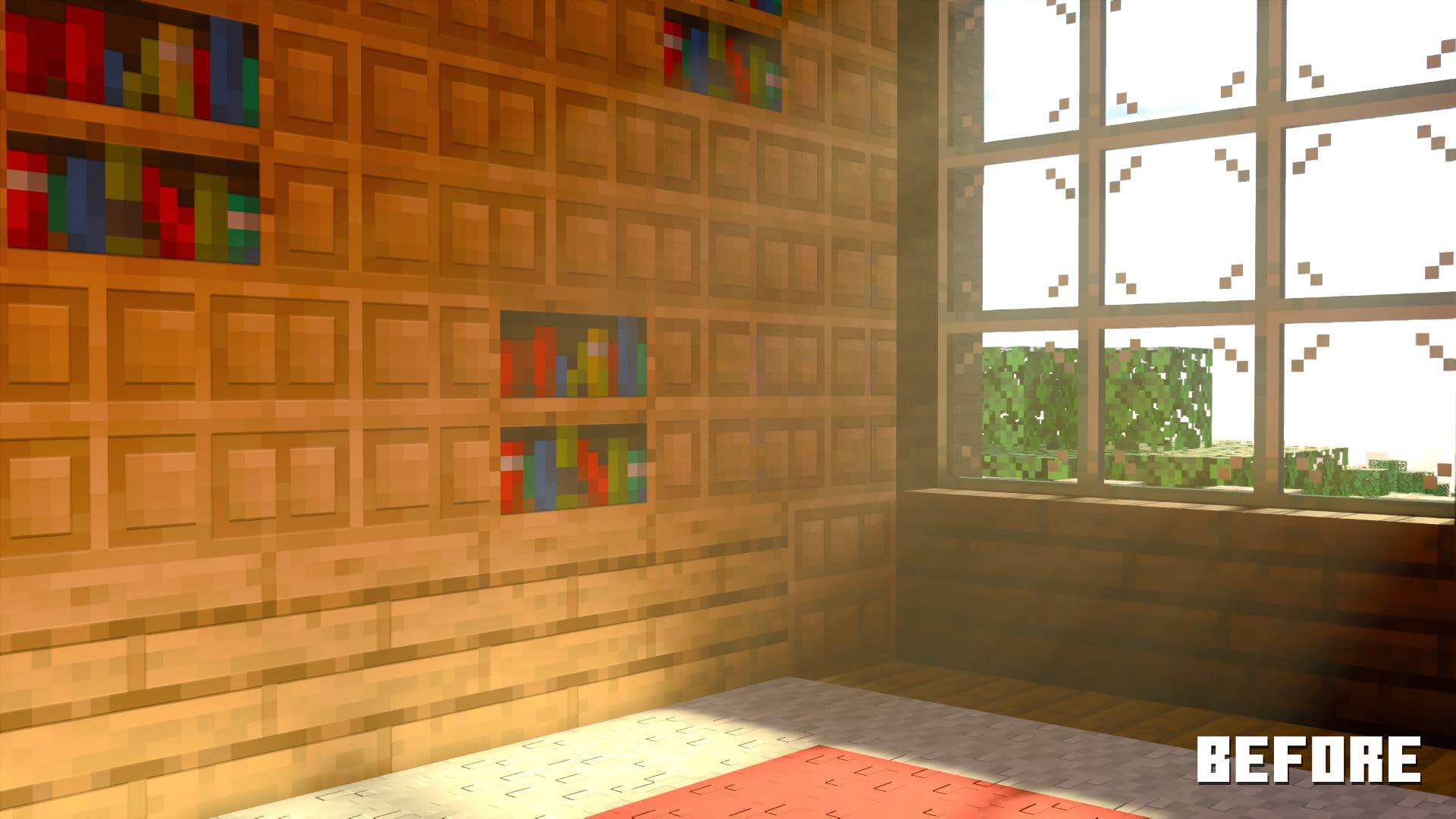
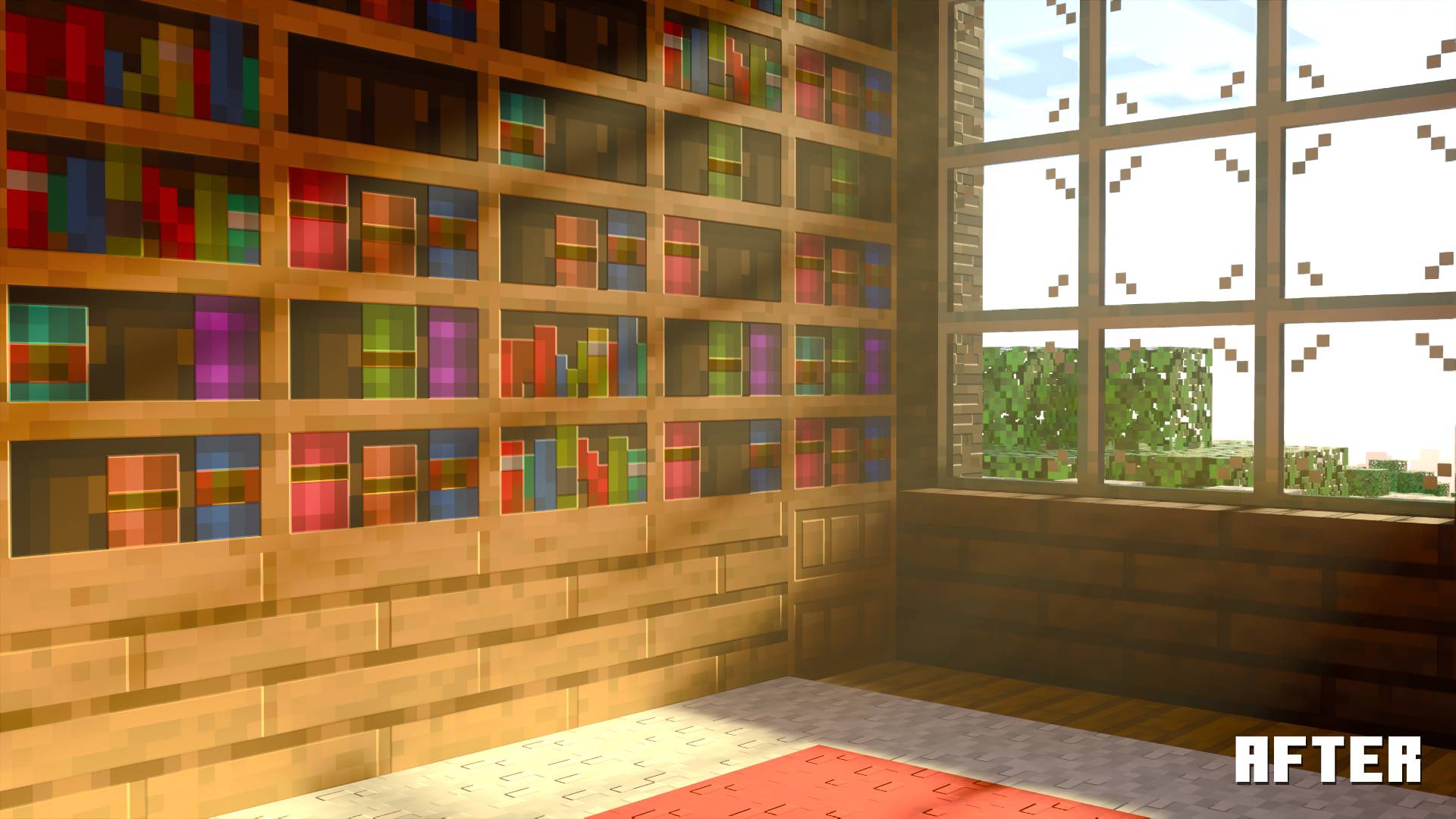
Chiseled Bookshelf Fix: Chiseled Bookshelves are now functional with ray tracing, see v1.21.50 changelogs for workaround details (MCPE-166159)
Fixed Tamed Cats Missing Shadows: Tamed cats now cast a shadow with their entire body.
Known Issue: Tamed cat collars appear discolored without ray tracing.
Better Jack O'Lantern: Now emits light from all sides to more closely match its vanilla appearance and functionality.
Fixed Black Enchanted Trident and Fireworks Rocket: In-world models of enchanted tridents and fireworks rocket no longer appear black.
Fixed Water in Cauldron using the improper texture resulting in a rough appearance unlike water.

Keep an eye out on the changelogs and this section of the post for more experimental changes and updates!
Relevant Links
Github: Cubeir/Vanilla-RTX
License: Vanilla-RTX/License
Discord: Discord.gg/A4wv4wwYud
Minecraft RTX Bug Tracking: Cubeir/Minecraft-RTX-Bug-Tracking
FAQ
Frequently Asked Questions
Q: I've downloaded and activated Vanilla RTX, but ray tracing is still greyed out and I can't select it.
Problem: Vanilla RTX isn't loading in correctly (textures aren't showing the right properties)
Answer / Solution: The easiest and most reliable solution to these problems (which happens because of MCPE-191513 and MCPE-152158) is to use the Vanilla RTX App's Launch Minecraft RTX functionality which prevents both of these issues and more.
Problem: Poor performance while using ray tracing.
Solution: This is an old Minecraft issue (MCPE-121850), the workaround is to simply disable Minecraft's VSync, if you still want VSync enabled, you can use your graphics card's control panel VSync.
Vanilla RTX App also automatically detects and disables Minecraft's VSync when Minecraft RTX is launched via the app.
Q: What is the difference between Vanilla RTX and Vanilla RTX Normals and Vanilla RTX Opus?
A: Vanilla RTX uses 16x heightmaps, which are later converted to a higher resolution (192x) normal map to create an impression of depth on otherwise flat surfaces.
Vanilla RTX Normals uses 16x normal maps instead, which define curvature on surfaces and the direction that light will bounce off each individual pixel, also creating a perception of depth and shape–in a different way!
In fewer words, Vanilla RTX Normals provides alternative lighting for surfaces.
Vanilla RTX Opus is the third pack in the family, and it is the child of both Vanilla RTX and Vanilla RTX Normals, in technical terms, it combines the layers from both into one higher resolution pack, featuring more depth and detail than both could do on their own.
The three projects are mutually exclusive, i.e. only one can be activated in-game a time.Over 1000 files differ between any two of the projects, they are also maintained and updated independently of the other, and used by largely separate audiences based on personal preference, so which one looks the best to you or more faithful to how "Vanilla RTX" should manifest itself is ultimately up to you.
Q: Can I use Vanilla RTX in my own projects?
Absolutely! Vanilla RTX is already the foundation for numerous other RTX and Vibrant Visuals resource packs. You're free to use it in your projects of any kind (e.g. videos, renders, your own resource packs, even Minecraft servers/maps etc...), but in case you redistribute any files by me, give credit!
You are not allowed to sell Vanilla RTX however – this project and its files must remain freely accessible.
For more details, view the full license here.
Contact info for more question:
Discord ID: cubeir
Twitter / X: @cubeOhm
Q: Where do I find a zip?
A: You can always obtain a full package of relevant files from the Vanilla RTX source repository.
Here's the direct zipball permalink:
https://github.com/Cubeir/Vanilla-RTX/archive/refs/heads/master.zip
P.S. You can use the Vanilla RTX App to reinstall and update Vanilla RTX to the latest version automatically, which uses the same zipball, but properly packages it with Enhancements.
Problem: I am experiencing low frame rate, game keeps crashing etc...
Solution: If you're experiencing low FPS, disable Minecraft's VSync through settings menu or options.txt file, as for crashes and similar issues, they are Minecraft-sided, waiting for future game patches might be your only option.
However, It is worth noting there are several issues tied to resizing the game's window, tabbing in or out of game's window or turning ray tracing on/off frequently, all of which can easily be avoided.
Q: I want to adjust the pack to my preferences, where do I start?
A: You can use the Vanilla RTX App to tune several key features such as fog, strength of emissive textures, normal map intensity, and more.
However, if you wish to have more control, here are some helpful resources to to edit Vanilla RTX according to your personal preferences or even to create your own ray tracing capable resource pack:
Minecraft RTX related documentations: Minecraft.net / Nvidia / Microsoft Docs
Use Texture Set Manager for a quicker start: Cubeir/Texture-Set-Manager
Problem: I've encountered a visual glitch, such as: some light sources not emitting enough light, textures not loading in, terrain flickering, block breaking animation appearing glitchy, etc...
Solution: Visual glitches or similar issues you might encounter during gameplay are all game-related. You can visit bugs.mojang.com and report/search for bugs related to Minecraft with RTX and vote for them if they are already reported.
This pack tries to address as many of these issues as possible, however there are limits.
Here's a list of some of the most severe issues Minecraft with RTX is facing right now:
MCPE-194207: When ray tracing is enabled, placing or breaking blocks causes surrounding blocks to flicker
MCPE-227510: Block destruction animated texture overlay appears glitchy with RTX
MCPE-227624: Point lights have been unintentionally removed from ray tracing graphics mode
MCPE-191513: Ray tracing can no longer be enabled while in the main menu.
MCPE-152158: PBR textures don't load properly upon enabling ray tracing after the game is freshly launched.
MCPE-121850: Ray Tracing performance starvation when VSync is enabled.
MCPE-218920: Player and entity name tags no longer display once ray tracing is enabled.
MCPE-240950: Flipbook textures' heightmaps do not render correctly in ray-traced graphics mode
MCPE-241723: Animated flipbook textures no longer animate smoothly with ray tracing enabled
Unfortunately Mojang is far quicker at adding new bugs than fixing them, this creates an endless blackhole of regression that swallows entire features and decreases playability with each game update.
You can vote for ray tracing related issues such as the ones linked above to get Mojang's attention.
A complete list of important Minecraft RTX issues can be found here:
https://github.com/Cubeir/Minecraft-RTX-Bug-Tracking/blob/master/README.md
Q: Can I pair Vanilla RTX with other resource packs and add-ons? such as the ones from the Minecraft marketplace?
A: This is probably not a good idea, because as the name if the pack suggests 'Vanilla RTX' adds ray tracing support for the vanilla game itself, and any other resource packs or behavior packs that don't belong to the vanilla game are not guranteed to work alongside it, as their creators have to account for ray tracing themselves. That said, you can try different combinations and see what works best for you.
If you have other questions or need help, try joining Vanilla RTX Discord server and ask away, or leave a comment here explaining the issue, you can also report issues through GitHub.
Installation
Vanilla RTX is not intended for Android, iOS or gaming consoles such as Xbox Series X|S, PS5, etc...
Windows 10 and Windows 11 Devices Only with NVIDIA GeForce® RTX 20 Series and higher, along with the AMD Radeon™ RX 6000 Series and higher & Intel® Arc™ A380 or better.
If your device can't use ray tracing, Vanilla RTX has a dedicated version to Vibrant Visuals, check it out here!
Guide:
- Ensure your system meets the hardware requirements on a supported platform, install the latest drivers for your graphics card.
- Download and import the pack by right-clicking the .mcpack file and opening with Minecraft (or Minecraft Preview).
- Use the Vanilla RTX App to launch Minecraft RTX.
- In your Minecraft's settings, find Global Resources and activate the pack.
- Join any world, server or realm with ray tracing now enabled correctly.
Tips:
- There is an issue that will keep Vanilla RTX files from loading in properly causing the world to appear glossy. To avoid this, always make sure ray tracing is enabled before you attempt joining a world. In other words, do not enable ray tracing while inside a world! The simplest, most reliable solution to enabling ray tracing in Minecraft is by using the Vanilla RTX App to launch the game, which circumvents all of the activation-related bugs.
- If you're experiencing low and inconsistent frame rate, disable Minecraft's VSync, you can keep VSync on in your graphics card's control panel without drawbacks. This also greatly reduces input latency when compared to Minecraft's VSync.
- If textures appears broken or fail to load, make sure other resource packs from server/realm or world aren't overriding Vanilla RTX's files.
- If you're using a dual-GPU setup (commonly a Laptop with an Integrated GPU) make sure Minecraft is set to use the High Performance GPU preference in Windows' graphics settings.
- If the game window appears black, exit full-screen (press F11), close the game, relaunch the game and continue to play without entering full-screen mode.
Thanks to the following individuals, Vanilla RTX is continued:
nattyhob, EchoQuasar, Miriel, Giuseppe DiMarca, Cody Starr, Dabadking, Joseph, Spaceowl, Willström, Bastha, Kittygamer123, Lanaismymommy, Aaerox, jessehall(Maneating-Zebras), Nash Knowlden, Commander Grub, Isttret, Superluminal, Travis Bishop, Dylan, Kyo Don, The_Asa_Games, jamesyoung, Koiboi, Richard Anderson (Rich), Jacob, Luxalios, DomoTurbulence, Rory, Oxbow117, Mono234_Glitch, Austin Mullings, mIbU, Spikey ᵈᵉʳ ᶠᵘᶜʰˢ, Bryan Tepox, Ryan S Beers, TyTGM, Justin Klaassen, Dogtag, Kudo Cyylentaar, OmarVillegas, Horizon, Arkan, Nick Da Fox, Harambebe, 정재원, pizzeriaunit, Koz




![Maze Engine: Lost Civilizations [2026 ModJam Winner] project image](https://media.forgecdn.net/avatars/thumbnails/2010/645/256/256/639234448751454499.png)