PMA Persistent Model Assignment
- By
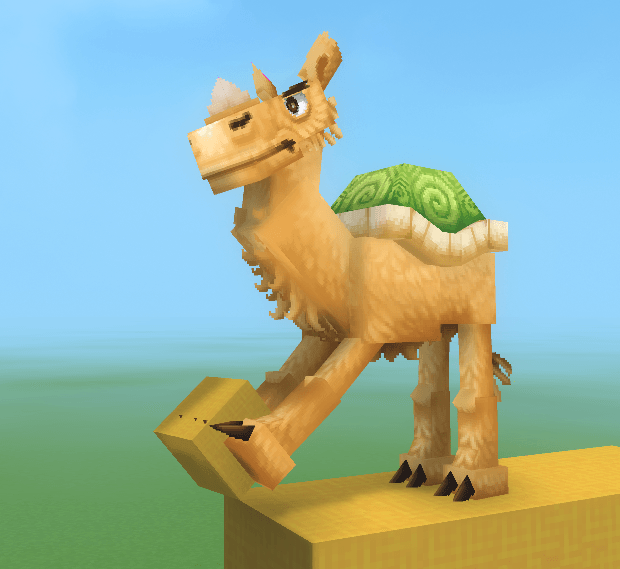
Screenshot 2026-01-14 170613.png
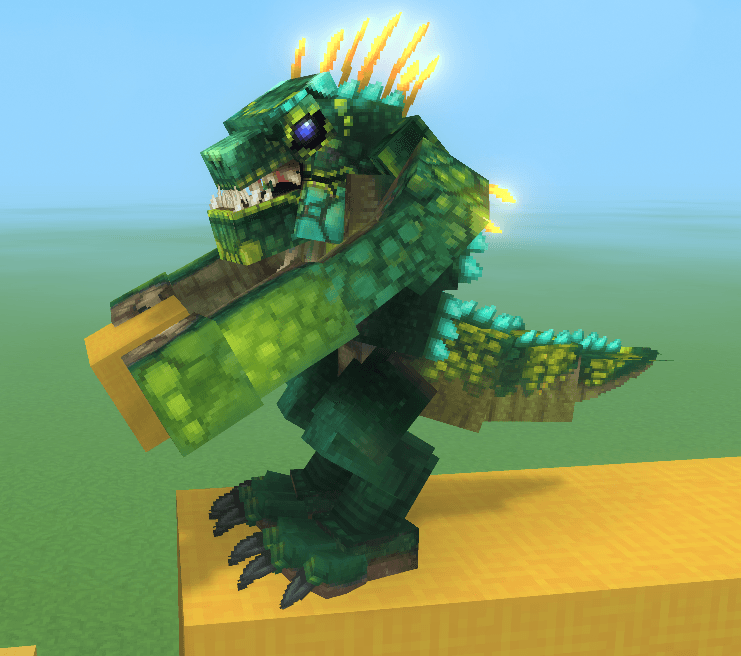
Screenshot 2026-01-14 170846.png
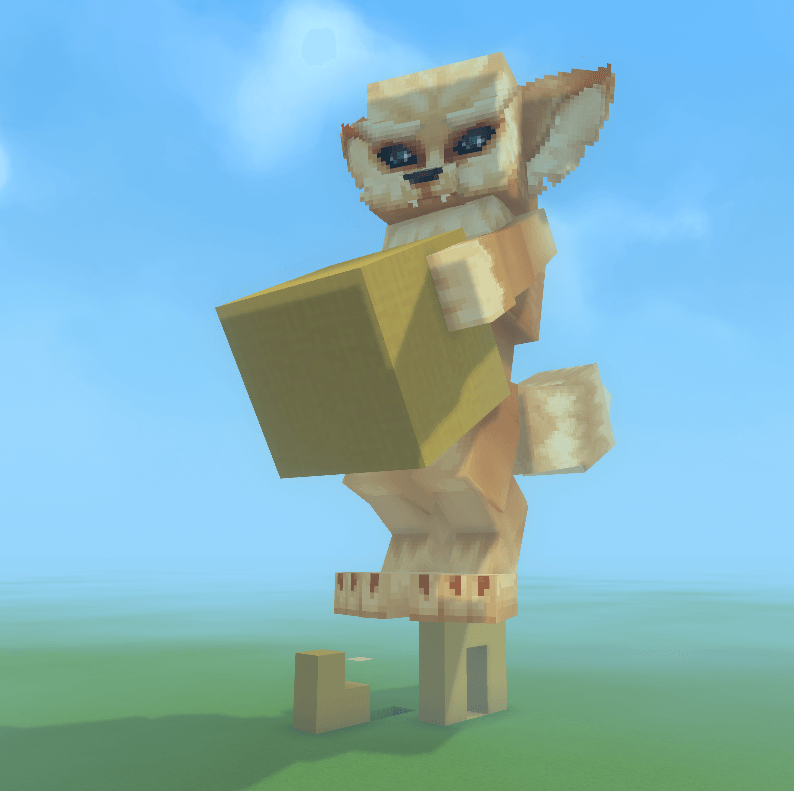
Screenshot 2026-01-14 170542.png
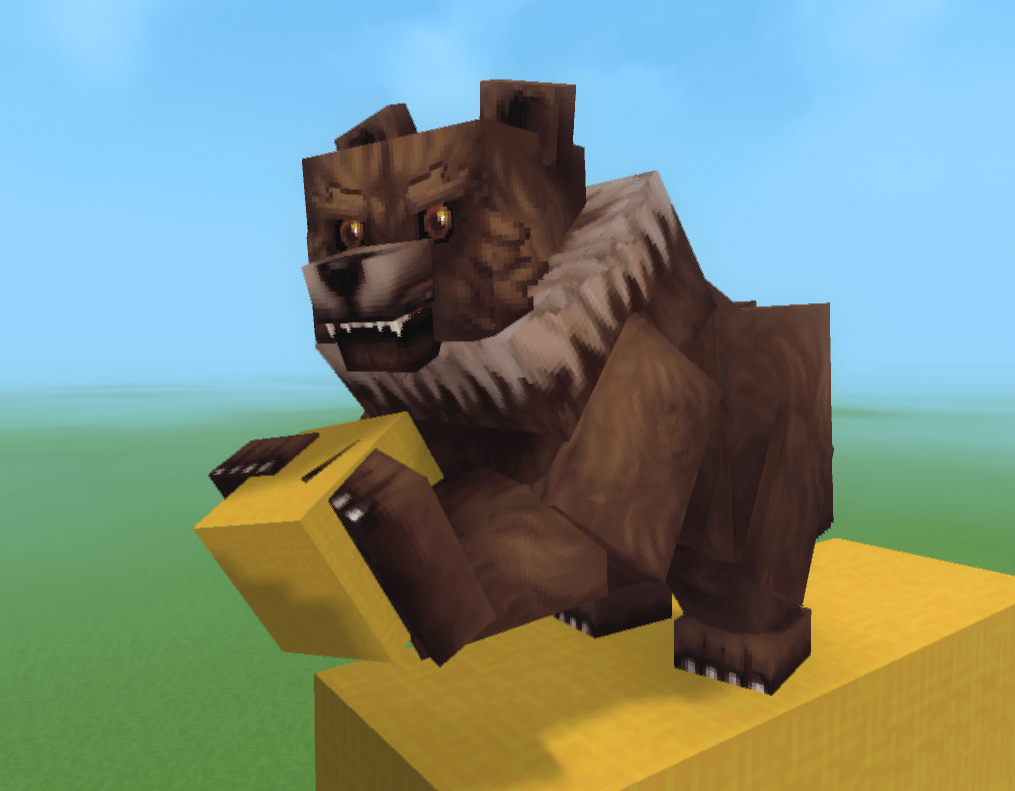
Screenshot 2026-01-14 170703.png
Screenshot 2026-01-14 164813.png
Description
📦 PMA – Persistent Model Assignment (Server-Side)
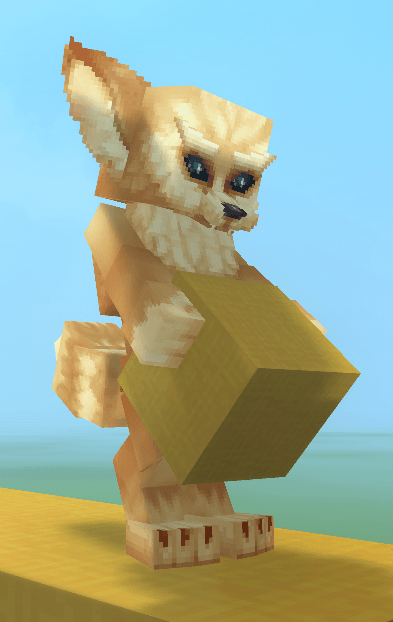
PMA (Persistent Model Assignment) is a lightweight, server-side Hytale plugin that automatically remembers and reapplies player avatar models when they reconnect to the server.
Once a player sets a model using Hytale’s built-in /model set command, PMA detects the command from the server log, saves the chosen model (and optional scale), and reapplies it every time the player joins — no client mods required.
✨ Features
-
✅ Automatic model persistence
Player models are restored on login without re-running commands -
📏 Scale support
Supports--scalevalues, including:-
--scale 0.5 -
--scale=0.5 -
--scale .5
-
-
🔓 Bypass scale limits support
Players should include--bypassScaleLimitswhen setting a scale.
Without this flag, Hytale enforces very small scale limits, and changes may be subtle or unnoticeable. -
💾 Persistent storage
Model assignments are saved to disk and survive server restarts -
🔁 Safe retry system
Models are applied only once the player entity is fully initialized -
⚙️ Server-side only
No client mods, no packets, no command overrides
🛠 How It Works
-
PMA tails the server log in real time
-
When a player runs:
/model set <model> [player] --scale <value> --bypassScaleLimitsPMA captures the model ID and scale from the log output
-
The model assignment is saved per player
-
On login, PMA:
-
Waits for the player entity to become valid
-
Applies the saved model and scale directly to the entity
-
Persists the assignment using Hytale’s
PersistentModelcomponent
-
📁 Data Storage
Model assignments are stored in:
PMAData/models.properties
Format:
username=modelAssetId|scale
Example:
John_Doe=feran|0.25
(Entries without a scale automatically default to 1.0.)
⚠️ Notes & Tips
-
PMA does not replace or modify the
/modelcommand -
Always include
--bypassScaleLimitswhen using--scaleto ensure the change is noticeable -
The plugin relies on standard server log output
-
Intended for player avatar models (non-static entities)
👤 Ideal For
-
Roleplay servers
-
Persistent character customization
-
Servers that want player models to just stick between sessions
The PMA Persistent Model Assignment Team