Splash

Change your splash screen colors
item image
item image
item image
item image
item image
item image

Description

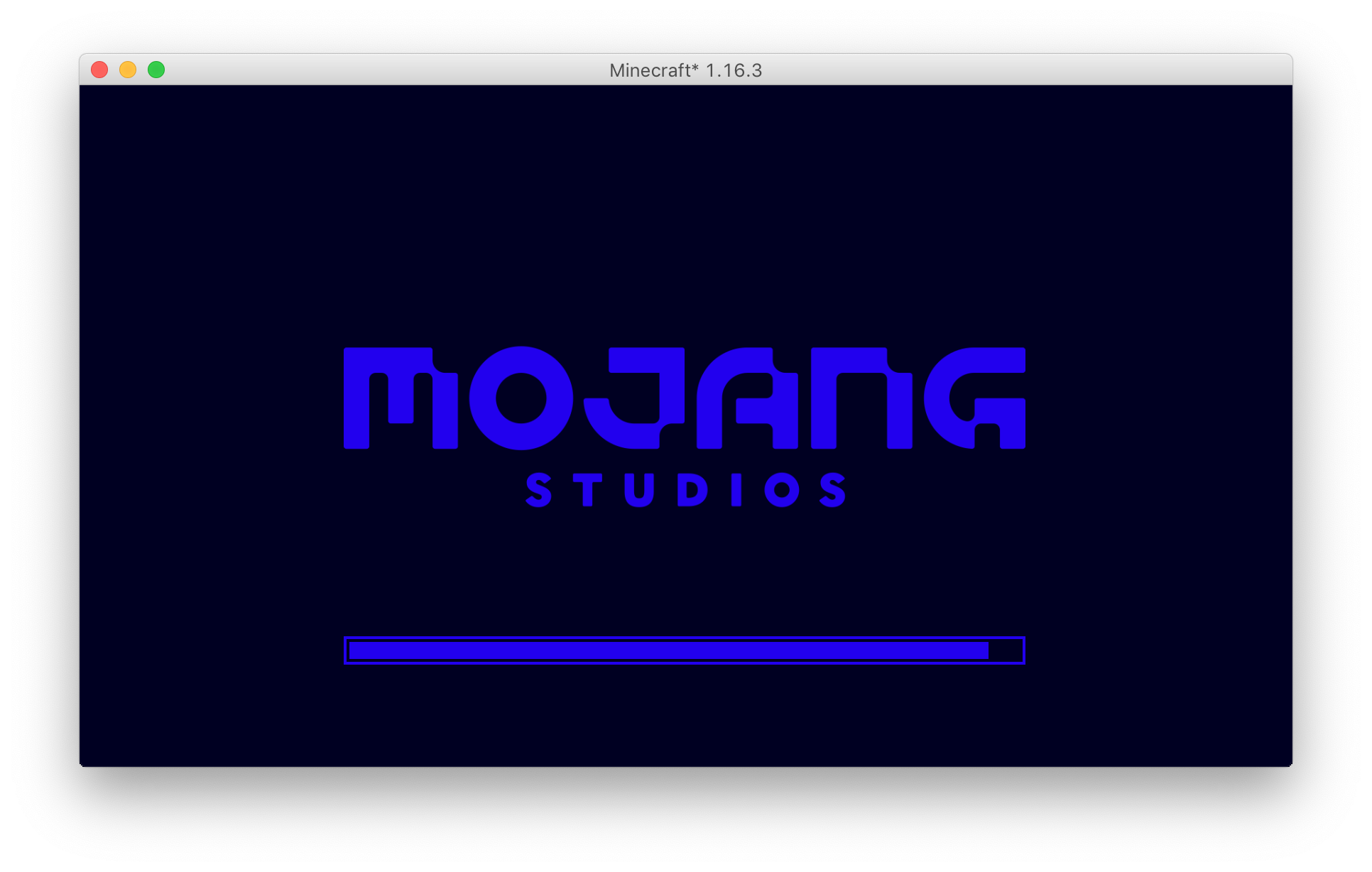
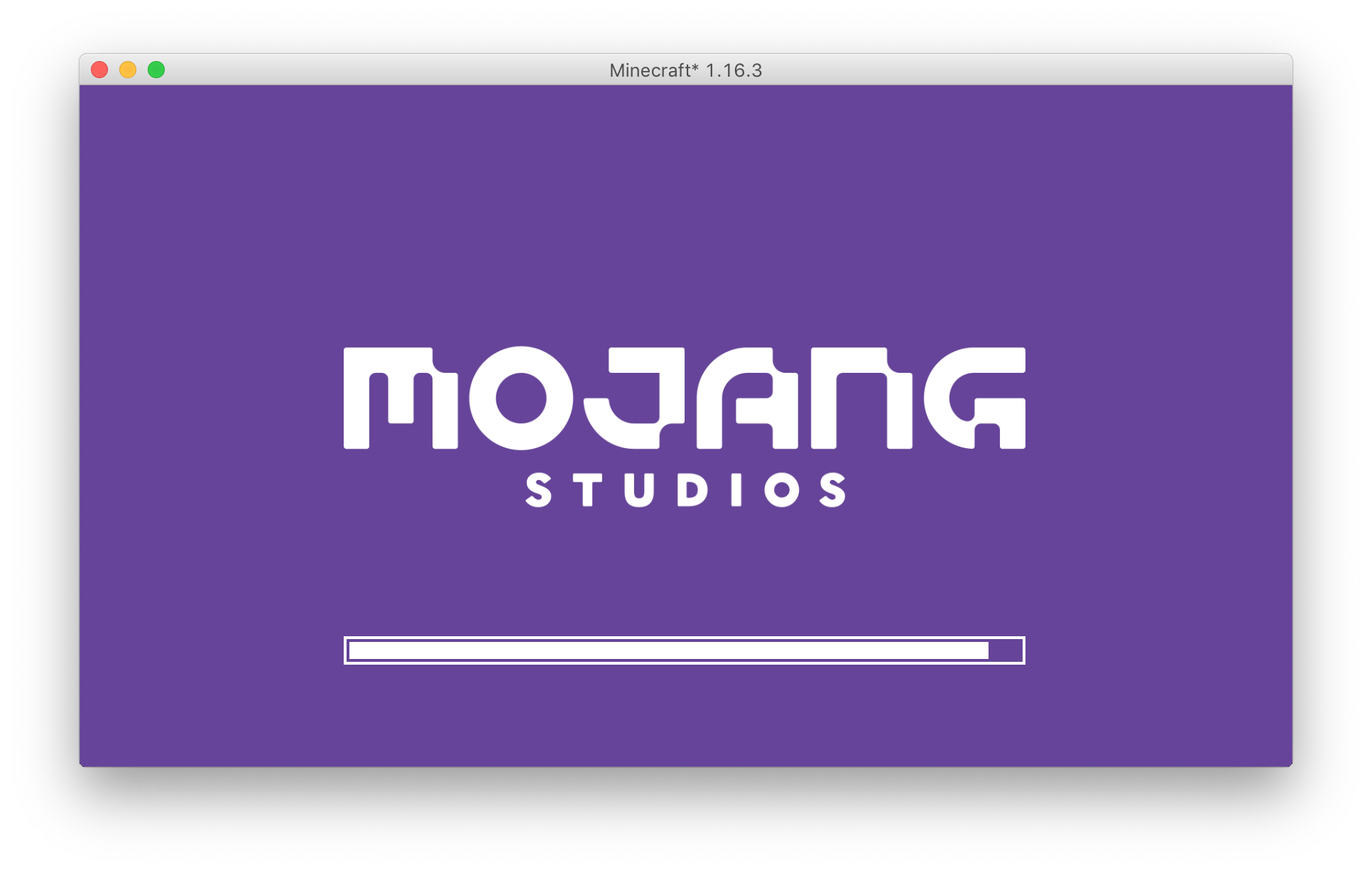
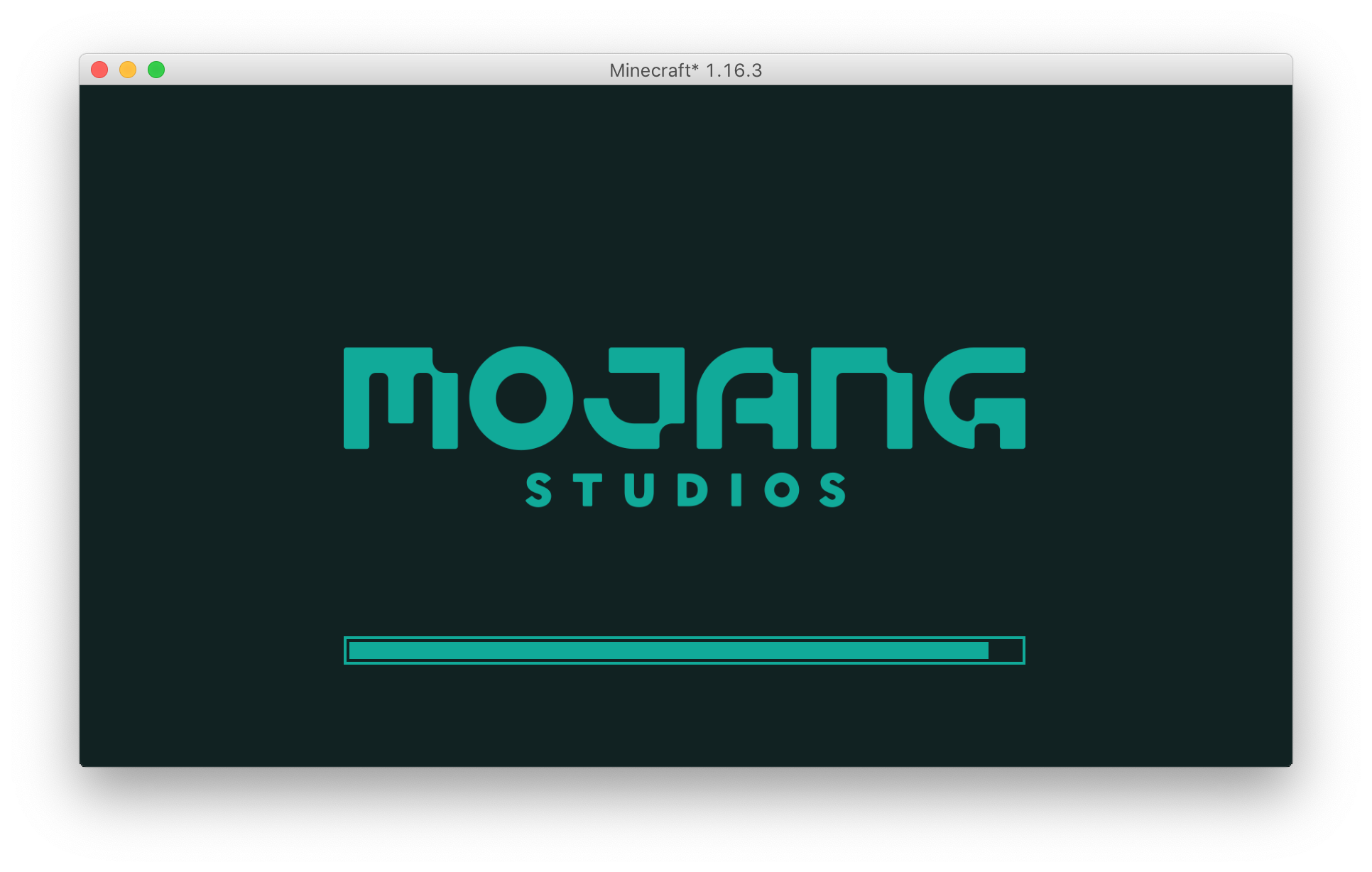
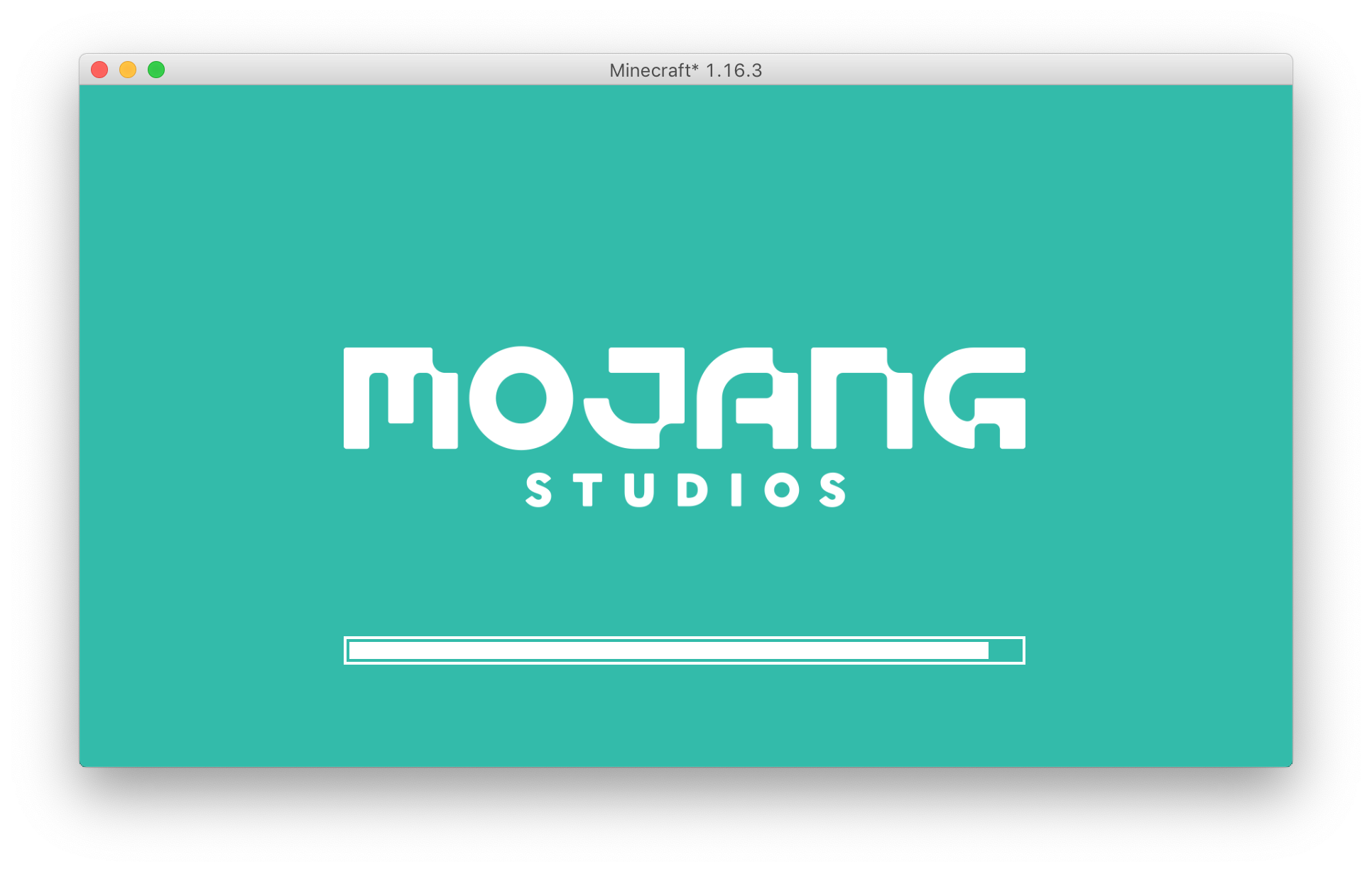
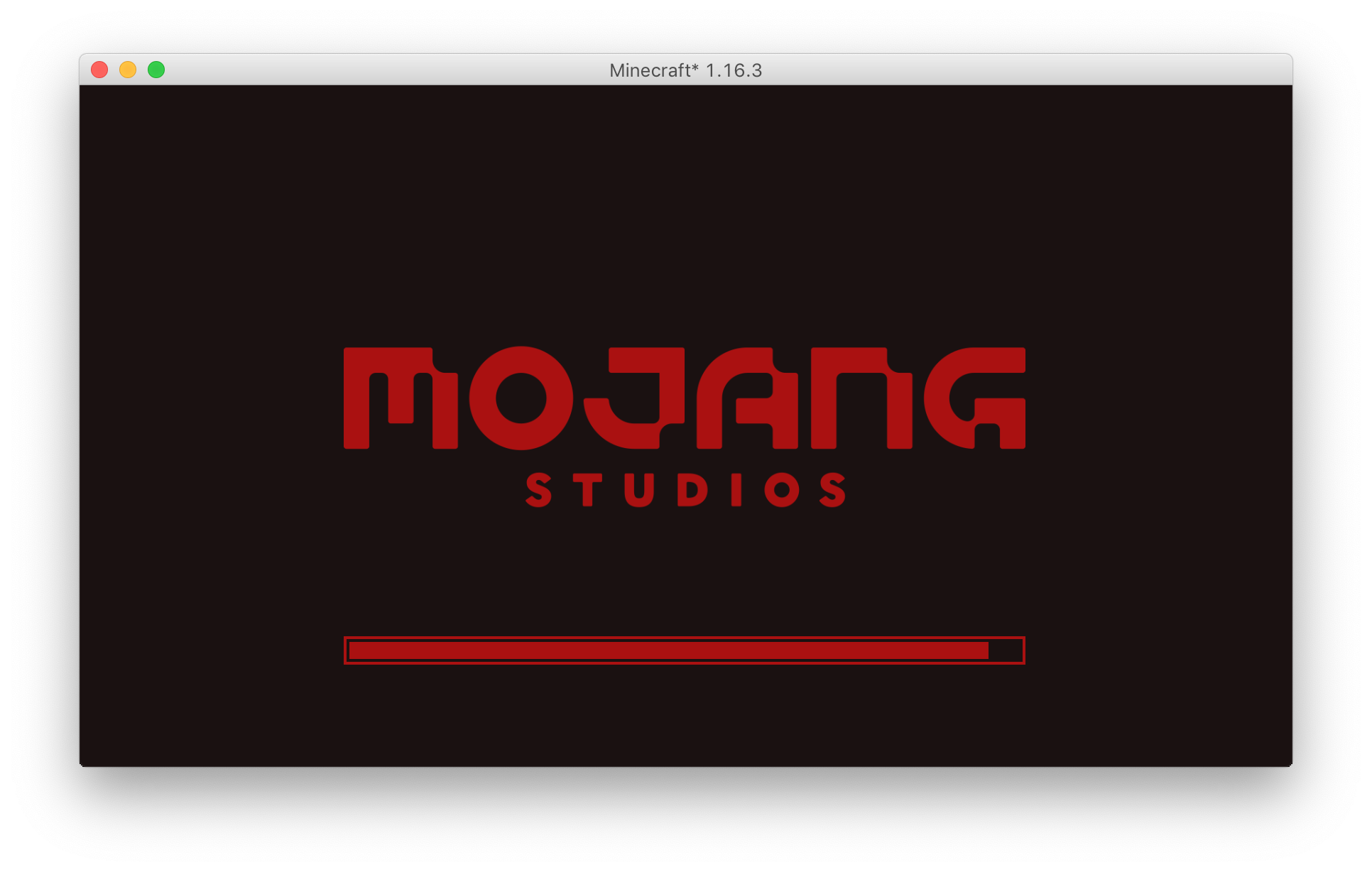
Splash is a Fabric mod that allows you to customize the colors of your splash screen.

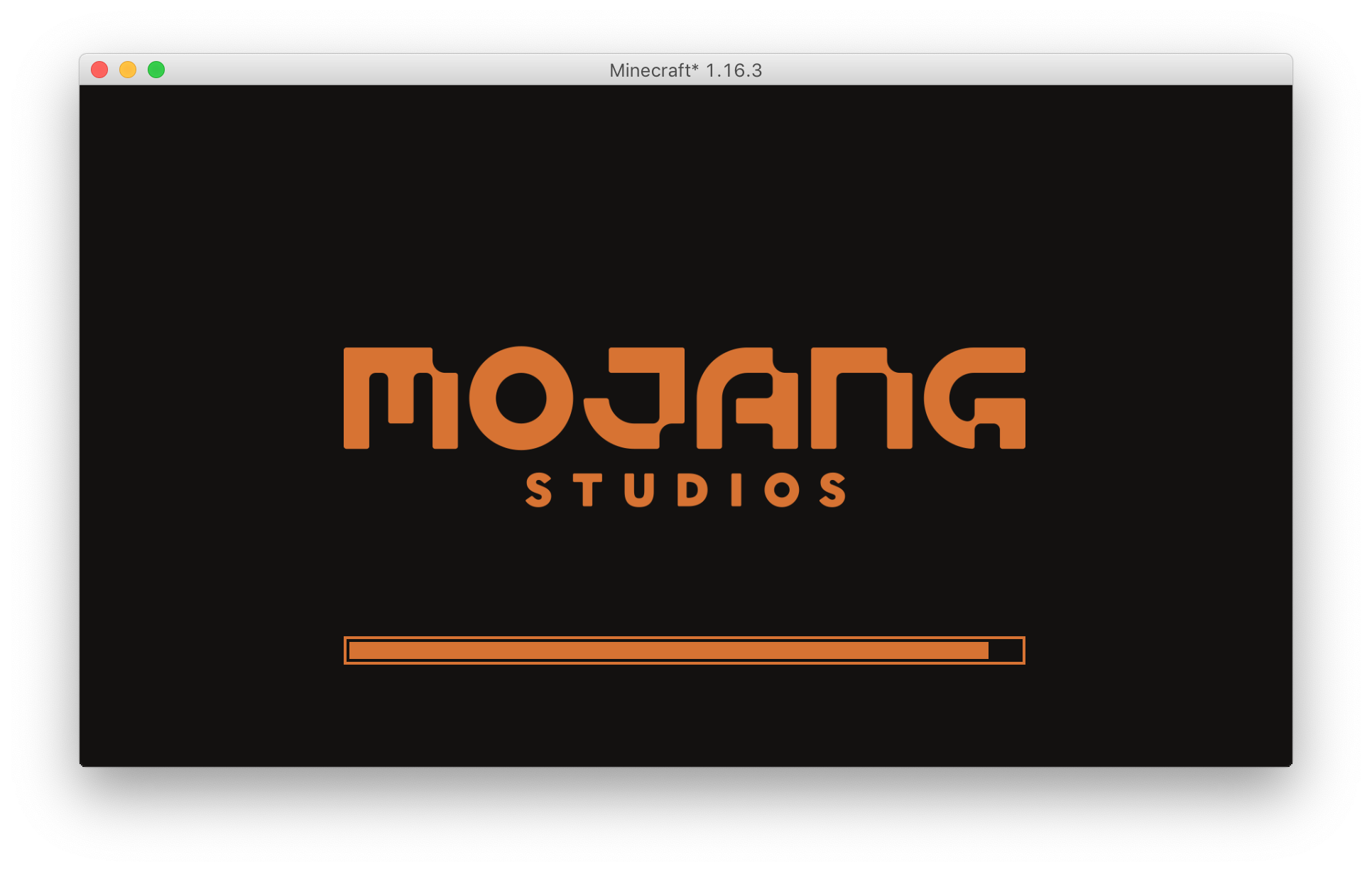
By default, it uses a dark color scheme:

dark loading screen

That instantly makes it a superior alternative to the Darker Loading Screen mod for Forge, but that's not all. If you have Mod Menu installed, you can access a configuration screen, which allows you to preview any changes without restarting Minecraft:

configuration screen

The top-left text box is background color, top-right is logo color, and the three extra text boxes on the left side (from top to bottom) are the progress bar outline color, background color, and bar color.

color reference

This mod requires Fabric Language Kotlin version 1.3.71 or higher.

The Splash Team

profile avatar
  • 3
    Followers
  • 4
    Projects
  • 14.4K
    Downloads

More from LoganDark

  • Branding project image

    Branding

    • 4.0K
    • Mods

    Removes Fabric branding from Minecraft and makes it think it's vanilla

    • 4.0K
    • August 1, 2022
    • Mods
  • Fabric Console project image

    Fabric Console

    • 2.8K
    • Mods

    A set of tweaks to the dedicated server console. Right now, enables log coloring. Fabric only.

    • 2.8K
    • November 2, 2021
    • Mods
  • SectionSign project image

    SectionSign

    • 912
    • Mods

    Type section signs anywhere

    • 912
    • November 4, 2020
    • Mods
  • Branding project image

    Branding

    • 4.0K
    • Mods

    Removes Fabric branding from Minecraft and makes it think it's vanilla

    • 4.0K
    • August 1, 2022
    • Mods
  • Fabric Console project image

    Fabric Console

    • 2.8K
    • Mods

    A set of tweaks to the dedicated server console. Right now, enables log coloring. Fabric only.

    • 2.8K
    • November 2, 2021
    • Mods
  • SectionSign project image

    SectionSign

    • 912
    • Mods

    Type section signs anywhere

    • 912
    • November 4, 2020
    • Mods